

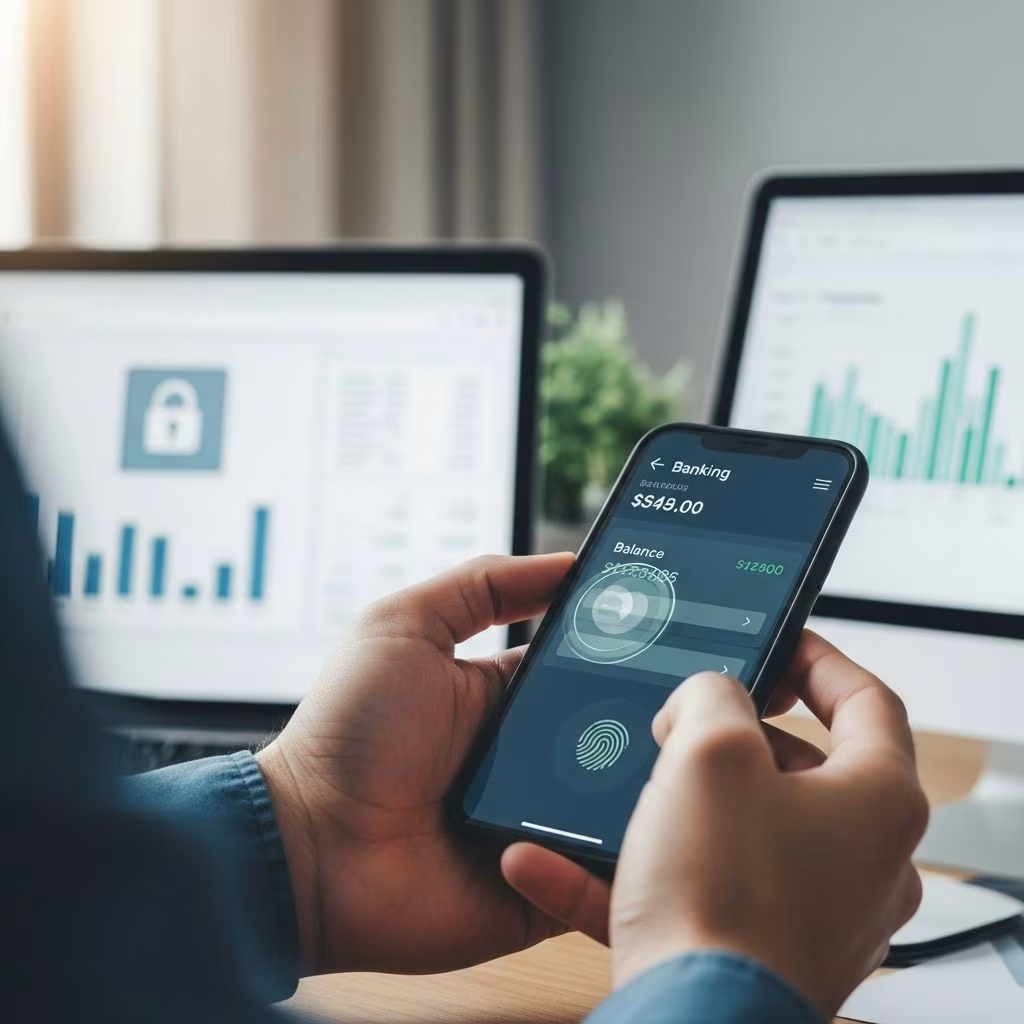
How to Check Your Bank Balance Online
In today’s digital age, checking your bank balance has become easier than ever. Gone are the days when you had to visit a bank branch or wait for your monthly statement to arrive in the mail. Now, you can access your account information instantly from anywhere at any time. Whether you’re at home, at work, or on the go, multiple methods are available to help you stay informed about your financial status. Understanding these options and how to use them securely is essential for modern banking.
Why Check Your Balance Regularly
Monitoring your bank balance frequently offers numerous benefits beyond simple curiosity. Regular balance checks help you track your spending patterns, ensure transactions are processed correctly, and detect unauthorized activity quickly. By staying informed about your account status, you can avoid overdraft fees, manage cash flow more effectively, and maintain better control over your finances. Additionally, catching fraudulent transactions early protects your account and allows you to report issues promptly to your financial institution.
Online Banking Websites
One of the most straightforward ways to check your bank balance is through your bank’s official website. Most financial institutions offer secure online portals where customers can log in with their username and password to access comprehensive account information. These websites typically provide real-time or near-real-time balance updates, transaction history, and other account details.
To access your account online, simply visit your bank’s official website and look for the login section. Enter your credentials and navigate to the account summary or dashboard. From there, you can view your current balance, recent transactions, and other account information. Most online banking platforms also allow you to set up account alerts, schedule bill payments, transfer funds between accounts, and perform other banking tasks all from one convenient location.
Mobile Banking Applications
Mobile banking apps have revolutionized how customers manage their finances on the go. Nearly every major bank offers a dedicated mobile application available for both iOS and Android devices. These apps provide convenient access to your account information with just a few taps on your smartphone or tablet.
Mobile banking apps typically offer the same features as their web-based counterparts, including balance inquiries, transaction history, bill payment, and fund transfers. Many apps also include additional features like mobile check deposit, which allows you to deposit checks by taking photos with your phone. The convenience of having banking services in your pocket has made mobile apps increasingly popular among customers who want instant access to their financial information.
Automated Telephone Banking
For those who prefer traditional methods or don’t have internet access readily available, automated telephone banking remains a viable option. By calling your bank’s customer service number, you can speak with an automated system (or a live representative) to check your balance. Simply follow the prompts, provide your account information, and listen as the system reads your current balance and recent transactions.
This method is particularly useful when you need quick information but don’t have access to a computer or smartphone. Telephone banking is also helpful for customers who are not tech-savvy or prefer voice communication. Most banks offer 24/7 telephone banking services, making it possible to check your balance at any time of day or night.
In-Person at ATMs
Automated Teller Machines (ATMs) remain one of the most accessible ways to check your bank balance without needing internet access. By inserting your debit card and entering your PIN, you can quickly view your current balance on the ATM screen. ATMs are strategically located throughout communities, including banks, shopping centers, convenience stores, and other public locations.
The advantage of using an ATM to check your balance is that it requires no internet connection and takes only seconds. However, this method typically doesn’t provide detailed transaction history like online banking or mobile apps do. ATMs are best suited for quick balance checks or when you’re already at a location with an ATM available.
Contacting Your Bank Directly
If you need detailed information about your account or have questions that require personalized assistance, contacting your bank directly remains an option. You can call your bank’s customer service line during business hours and speak with a representative who can provide your balance and answer any questions about your account.
Customer service representatives can also help you set up additional security features, investigate transactions, resolve disputes, or make changes to your account. While this method is less convenient than automated options, it provides the benefit of personalized service from someone who understands your specific situation.
Security Measures for Online Banking
While checking your bank balance online is convenient, security should always be a top priority. Banks implement multiple layers of protection to safeguard customer information, but users must also take responsibility for their part in maintaining account security.
Bank-Side Security Features
Modern banks employ sophisticated security measures to protect their customers’ data and prevent fraud. These include:
- Encryption technology — Data transmitted between your device and the bank’s servers is encoded using 128-bit or 256-bit encryption, making it nearly impossible for hackers to intercept and decipher information
- Multi-factor authentication (MFA) — Most banks now require two or more forms of verification before granting access, such as a password and fingerprint, facial recognition, or a code sent to your phone
- Automatic logouts — Online banking sessions automatically end after a period of inactivity to prevent unauthorized access if you forget to log out
- Security alerts — Banks send SMS messages or emails notifying you of transactions, password changes, and failed login attempts
- Monitoring systems — Banks use sophisticated monitoring to detect unusual account activity and suspicious transactions
- One-time passwords — For sensitive transactions, banks may provide temporary passwords or verification codes valid for only one use
User Responsibilities
While banks provide robust security infrastructure, you must take steps to protect your account from your end:
- Use strong passwords — Create passwords with at least 8 characters, combining uppercase and lowercase letters, numbers, and special characters. Avoid using personal information like birthdays or Social Security numbers
- Change passwords regularly — Update your banking passwords frequently and never share them with anyone, even family members
- Avoid public Wi-Fi — Never conduct banking transactions on public Wi-Fi networks. Use secure, private connections such as your home network or cellular data instead
- Use a VPN — When banking away from home, consider using a virtual private network (VPN) for additional protection
- Enable security features — Activate multifactor authentication, biometric login, and account alerts whenever your bank offers these options
- Monitor accounts regularly — Check your account frequently to spot unauthorized transactions quickly and report them immediately
- Use official channels — Only access your bank through the official website or app; avoid clicking links in emails or text messages, which may be phishing attempts
- Never share sensitive information — Banks will never ask for your Social Security number, PIN, or card verification code via email, phone, or text
- Keep devices secure — Use antivirus software, keep your operating system and apps updated with the latest patches, and set PIN or passcode protection on all devices
Recognizing and Avoiding Scams
As online banking has grown, so too have the attempts by criminals to steal financial information. Being aware of common scams helps you protect your account and personal data.
Phishing attacks are among the most common threats. These involve fraudulent emails or text messages that appear to come from your bank, asking you to click a link and verify your personal information. Legitimate banks never request sensitive information via email or unsolicited phone calls. Always access your account directly through the official website or app rather than clicking links from suspicious messages.
Public Wi-Fi dangers are significant because unsecured networks can allow criminals to intercept your data. Using a VPN or waiting until you’re on a secure network protects you from this risk. Malware and spyware can compromise your device and steal banking credentials. Using reputable antivirus software and keeping your system updated reduces this risk.
Choosing the Right Method for You
The best method for checking your bank balance depends on your personal preferences, lifestyle, and access to technology. Consider these factors when deciding:
| Method | Convenience | Speed | Security | Best For |
|---|---|---|---|---|
| Online Website | High | Fast | Very High | Detailed account review |
| Mobile App | Very High | Very Fast | Very High | Quick balance checks on-the-go |
| ATM | High | Very Fast | High | No technology needed |
| Phone Banking | Medium | Medium | High | Limited internet access |
| In-Person | Low | Slow | Very High | Personalized assistance needed |
Setting Up Account Alerts and Notifications
Most banks allow you to customize alerts for various account activities. Setting up these notifications provides real-time information about your account and helps you catch problems immediately. Consider enabling alerts for:
- Large transactions exceeding a certain amount
- Failed login attempts
- Password changes
- Unusual account activity
- Low balance warnings
- Bill payment confirmations
- Transfer completions
Frequently Asked Questions
Q: Is it safe to check my bank balance online?
A: Yes, checking your balance online is generally very safe when using your bank’s official website or app and following security best practices. Banks employ sophisticated encryption and authentication measures to protect customer data. However, you must do your part by using strong passwords, avoiding public Wi-Fi, and monitoring your account regularly.
Q: How often should I check my bank balance?
A: Financial experts recommend checking your balance at least weekly, if not daily. Regular monitoring helps you track spending, catch errors quickly, detect fraud immediately, and maintain better control over your finances. Many people check multiple times weekly or even daily.
Q: What should I do if I notice suspicious transactions?
A: If you see unauthorized transactions, contact your bank immediately. Most banks have fraud departments available 24/7. Report the transactions as soon as possible, as prompt reporting protects your account and may limit your liability for fraudulent charges.
Q: Can I check my balance on someone else’s computer?
A: While possible, it’s not recommended for security reasons. If you must use another computer, only access your bank through the official website (never through email links), ensure you’re on a secure connection, use private browsing mode if available, and always log out completely when finished.
Q: What is multi-factor authentication and why is it important?
A: Multi-factor authentication (MFA) requires two or more verification methods before granting account access, such as a password plus a fingerprint scan or code sent to your phone. It significantly increases security by making it much harder for unauthorized individuals to access your account, even if they obtain your password.
Q: How can I protect my online banking password?
A: Create strong passwords with at least 8 characters using a mix of uppercase and lowercase letters, numbers, and symbols. Avoid personal information like birthdays or addresses. Never share your password with anyone, and consider using a password manager to generate and store complex passwords securely.
Conclusion
Checking your bank balance online offers convenience, speed, and accessibility that traditional banking methods cannot match. With multiple options available—from mobile apps and websites to ATMs and telephone banking—you can choose the method that best fits your lifestyle. By following security best practices, staying vigilant against scams, and monitoring your account regularly, you can safely manage your finances in the digital age. Remember that while banks provide robust security measures, your active participation in protecting your account is equally important. Take advantage of the tools and resources your financial institution offers, and enjoy the peace of mind that comes with having instant access to your financial information anytime, anywhere.
References
- Internet Banking Security: How to Stay Safe — Kaspersky. 2024. https://usa.kaspersky.com/resource-center/preemptive-safety/internet-banking-security-keep-fraudsters-away
- The Balancing Act: Security Protocols for Online Banking and the Digital Customer Experience — CX University. 2024. https://cxuniversity.com/the-balancing-act-security-protocols-for-online-banking-and-the-digital-customer-experience/
- Tips for Safe E-Banking — Century Bank of the Ozarks. 2024. https://www.cbozarks.com/tips-for-safe-e-banking/
- Online Banking Security Best Practices — First National Bank of Gordon. 2024. https://www.fnbgordon.com/resource-center/online-banking-security-best-practices
- Online Banking Security Tips — Chase Bank. 2024. https://www.chase.com/personal/banking/education/basics/online-banking-security
- 5 Digital Banking Solution Strategies for Protecting Account Holders — Alkami. 2024. https://www.alkami.com/blog/5-strategies-for-protecting-account-holders-in-digital-banking-solutions/
- Online Banking Security: 6 Tips to Protect Your Personal Information — Citizens Bank. 2024. https://www.citizensbank.com/learning/online-banking-security-six-tips-protect-personal.aspx
This article is general information, not personal financial advice. Consider your own situation, or speak with a licensed adviser, before acting on it.


