

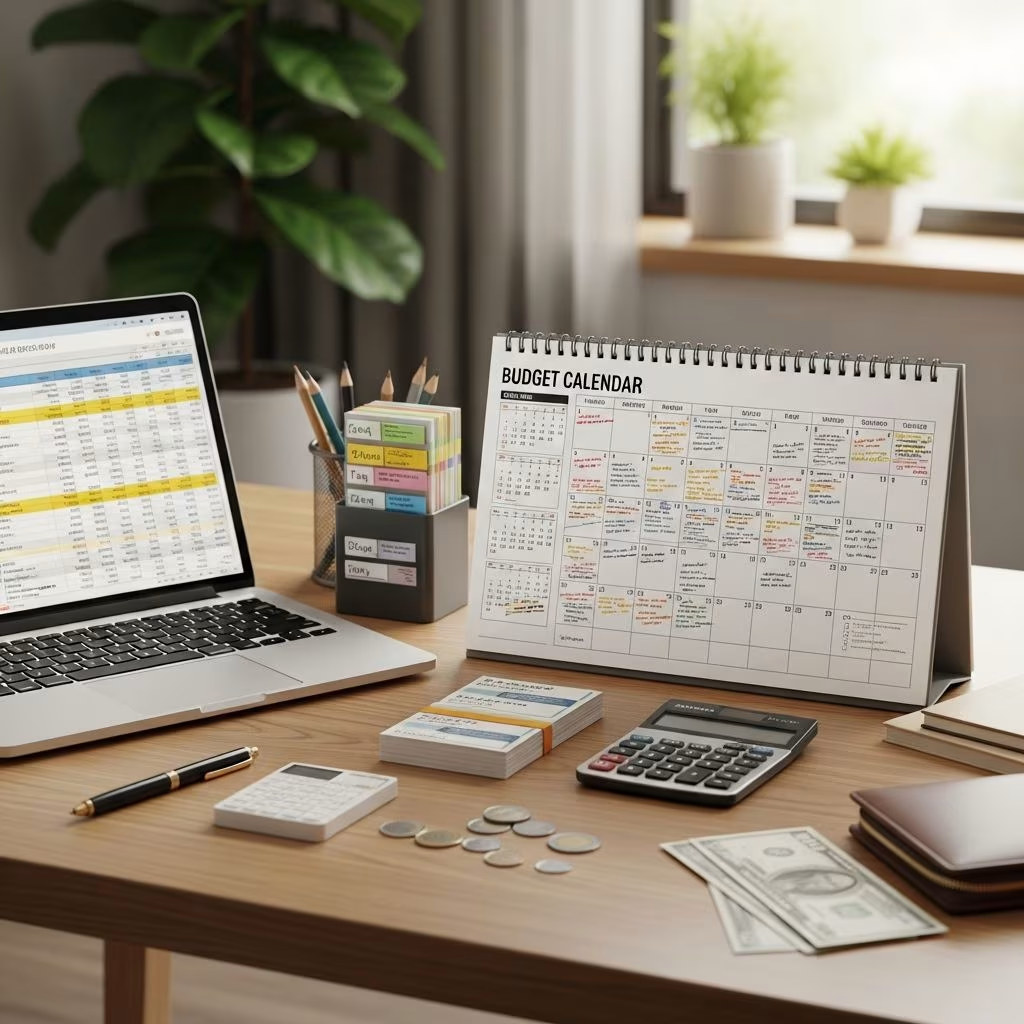
A budget calendar is a simple but powerful way to see all of your income, bills, and money goals laid out across the month so you never have to wonder what is due next or where your paycheck should go.
Instead of reacting to bills as they pop up, you use your calendar to plan when money comes in and exactly what each paycheck will cover. This helps you avoid missed payments, late fees, and the stress of living paycheck to paycheck.
What is a budget calendar?
A budget calendar is a visual money planner that maps your income, bills, savings, and debt payments on the days they occur during the month.
Think of it as combining a traditional calendar with your budget. Instead of only tracking appointments, you track:
- Paydays and other income deposits
- Bill due dates and automatic payments
- Savings transfers and investment contributions
- Debt payments (credit cards, loans, etc.)
- Planned irregular expenses (birthdays, trips, annual fees)
Research from the Consumer Financial Protection Bureau notes that many households struggle with income and expense timing mismatches even when their annual income is technically enough to cover expenses. A budget calendar tackles this timing problem directly by giving you a clear, date-based plan.
Why using a budget calendar works
Using a budget calendar is not about perfection. It is about creating a realistic picture of your cash flow so you can make informed decisions.
Here is why it is so effective:
- Improves cash flow awareness: You see exactly when money enters and leaves your account.
- Reduces surprises: No more “forgotten” bills or annual renewals sneaking up on you.
- Supports goal-based planning: You can schedule regular transfers to savings and debt payoff.
- Encourages consistency: A monthly routine around your calendar helps you stick to your plan.
- Helps you break the paycheck-to-paycheck cycle: You can start planning ahead instead of catching up.
Budget calendar vs traditional budget
A traditional budget usually looks at the month in total (for example, listing how much you will spend on rent, food, and transportation over 30 days). A budget calendar adds time into the picture.
| Traditional Budget | Budget Calendar |
|---|---|
| Shows total income and expenses for the month | Shows the exact days income arrives and bills are due |
| Helps you decide how much to spend in each category | Helps you decide when to pay each bill and move money |
| Useful for big-picture planning | Useful for day-to-day and week-to-week cash flow |
| May not show timing conflicts clearly | Makes timing conflicts obvious so you can adjust |
Ideally, your budget and your budget calendar work together: your budget tells you how much to spend, and your calendar tells you when to move the money.
Step-by-step: How to create a budget calendar
You can build a budget calendar using a paper planner, a wall calendar, a spreadsheet, or a digital calendar app. The process is the same regardless of the tool.
Step 1: List your income and due dates
Start with the basics: what money is coming in, and what must go out?
- Write down every source of income (paychecks, side hustle income, benefits, etc.).
- Note the expected date and net amount (after taxes and deductions) for each income source.
- List all of your bills and minimum obligations with their due dates, including:
- Rent or mortgage
- Utilities (electricity, water, gas, internet, phone)
- Debt payments (credit card, car loan, student loans)
- Insurance premiums
- Subscriptions and memberships
- Childcare or school fees
Having everything in one place makes it easier to see patterns and conflicts.
Step 2: Choose your calendar format
Pick the style that you are most likely to use consistently:
- Paper monthly calendar: Great if you like to write things down and keep your planner visible on a desk or wall.
- Printable template: Easy to reprint every month and customize for your needs.
- Spreadsheet calendar: Flexible, easy to copy for new months, and allows simple formulas for totals.
- Digital calendar app: Perfect if you rely on your phone for reminders and notifications.
There is no “best” format. The best calendar is the one you will look at regularly.
Step 3: Add paydays and income
On your calendar, mark each date you expect to receive income. For each entry, include:
- The source (for example, “Paycheck 1”, “Freelance client”, “Benefit payment”).
- The net amount you expect to receive.
- Any automatic transfers that happen on payday (such as contributions to retirement or health savings accounts).
Seeing your paydays laid out first helps you decide which bills each paycheck will cover.
Step 4: Add fixed bills and automatic payments
Next, go through your list of bills and put each one on the date it is due. Include:
- Bill name (for example, “Rent”, “Car payment”, “Credit card minimum”).
- Exact or estimated amount.
- Whether it is automatic or you must pay it manually.
Many people find it useful to use color coding:
- One color for income
- One color for bills
- One color for savings and debt payoff goals
This makes it easier to scan the month and understand what is happening with your cash flow.
Step 5: Schedule savings and debt payoff goals
Once your mandatory bills are on the calendar, add your money goals:
- Emergency fund contributions
- Additional debt payments above the minimum
- Retirement or investment contributions
- Short-term sinking funds (for example, vacations, gifts, car repairs)
Financial planners often recommend paying yourself first by scheduling savings or investing as soon as income arrives, rather than waiting to see what is left over. Your budget calendar helps you do this by giving those transfers a specific date.
Step 6: Account for variable and irregular expenses
Not every expense is the same amount every month. Some are seasonal or occasional, like holidays, back-to-school shopping, or annual subscriptions.
To handle these smoothly:
- Look ahead at your personal calendar for the next 1–3 months.
- Write upcoming events and expected costs on the dates they will happen.
- For large costs, schedule smaller transfers into a sinking fund in the weeks leading up to the expense.
This step protects your budget from being derailed by something you could have predicted.
Step 7: Match each bill to a paycheck
Now that your income and obligations are on the calendar, you can assign each bill to a paycheck.
For each payday:
- List which bills will be paid from that check.
- Include planned savings and debt payoff amounts.
- Check that the total does not exceed the paycheck amount.
If you have a week where many bills cluster together, consider:
- Calling providers to request a different due date (many utility and credit card companies allow this).
- Splitting a large payment across two paychecks by setting aside part of the amount earlier.
This is where the budget calendar truly shines, because it gives you a clear view of when adjustments are needed rather than surprising you at the last minute.
Tips to make your budget calendar work long-term
Once your budget calendar is set up, the next step is using it consistently. These strategies can help you stick with it.
Build a simple monthly routine
Set a recurring date to refresh your calendar each month, such as the last Sunday of the current month. During this time:
- Review last month’s spending and note any lessons.
- Update income estimates for the new month.
- Add new events, subscriptions, or changes in bills.
- Reset your goals and sinking funds as needed.
Research on financial habits suggests that routines and reminders can improve follow-through on money goals by making the behavior more automatic.
Check in weekly, not daily
Daily tracking can feel overwhelming and lead to burnout. A weekly check-in is often enough to stay on course.
Each week, take 10–20 minutes to:
- Compare what you planned on the calendar with what actually happened.
- Mark bills as paid and adjust future dates or amounts if necessary.
- Move or resize upcoming payments if your income changed.
Think of your budget calendar as a living plan, not a rigid rulebook.
Use categories to see patterns
Beyond just writing down individual bills, you can group expenses into categories like housing, transportation, food, and debt. This helps you see where your money is going and where you might want to cut back.
On your calendar, you might:
- Use different colors or symbols for different categories.
- Note category initials next to each item (for example, “G” for groceries).
- Keep a small monthly summary next to your calendar totals.
Combine your calendar with other tools
You do not have to choose between a budget calendar and other budgeting methods. In fact, they complement each other:
- Zero-based budget + calendar: Decide where every dollar goes, then map it by date.
- Envelope or cash stuffing + calendar: Use the calendar to know when to stuff each envelope.
- 50/30/20 rule + calendar: Assign percentages to needs, wants, and savings, then schedule the timing.
The calendar is the time-based view that ties all of your decisions together.
Common mistakes to avoid with a budget calendar
- Only adding bills, not goals: Remember to schedule savings, investing, and extra debt payments, not just minimums.
- Forgetting irregular expenses: Look ahead several months for upcoming costs like car registration, insurance renewals, or major events.
- Not adjusting for variable income: If your income fluctuates, use conservative estimates and prioritize essential expenses first.
- Never updating the calendar: Your first version is just a starting point; adjust it as your life and income change.
- Letting one bad week derail you: When something goes off-plan, update the calendar and keep going instead of giving up.
How a budget calendar helps break the paycheck-to-paycheck cycle
Living paycheck to paycheck is not only about how much you earn; it is often about how the timing of your bills and spending lines up with your income. A budgetcalendar directly tackles this by helping you:
- Spot weeks where large bills cluster and spread them out when possible.
- Plan small, regular savings transfers to build a cushion.
- Schedule extra payments toward high-interest debt once essentials are covered.
- See where you might reduce or delay nonessential spending.
Over time, even small changes—like setting aside a little from each paycheck—can grow into an emergency fund that keeps you from relying on credit cards when something unexpected happens.
Frequently Asked Questions (FAQs)
Q: Do I need a special planner to create a budget calendar?
A: No. You can use any monthly calendar—paper, printable, spreadsheet, or digital. The key is that it shows the days of the month and you will check it regularly.
Q: How often should I update my budget calendar?
A: Plan to refresh it once a month and quickly review it once a week. Update it any time your income, bills, or goals change.
Q: What if my income is unpredictable or varies from week to week?
A: Use a conservative income estimate based on your recent average earnings. Prioritize essential bills and minimum payments first on your calendar, then schedule savings and extra payments as additional income arrives.
Q: Should I put everyday spending like groceries on my budget calendar?
A: Yes, it can be helpful. You do not need to list every purchase, but you can mark planned grocery or gas spending on the day you usually shop so you see how it fits with other bills.
Q: How is a budget calendar different from a regular planner?
A: A regular planner tracks time commitments like appointments and tasks. A budget calendar focuses specifically on your money: when you get paid, what gets paid with each check, and when you move money toward your goals.
References
- Start Small, Save Up: Jumpstart Your Financial Savings — Consumer Financial Protection Bureau. 2019-02-01. https://files.consumerfinance.gov/f/documents/cfpb_start-small-save-up_guide.pdf
- Making the Most of Your Money: Income and Benefits — USA.gov. 2024-01-10. https://www.usa.gov/manage-your-money
- Financial Capability in the United States 2022 — FINRA Investor Education Foundation. 2022-07-12. https://finrafoundation.org/knowledge-we-gain-share/research-insights/nfcs
- Building Emergency Savings — Federal Reserve Bank of St. Louis. 2023-03-15. https://www.stlouisfed.org/education/personal-finance/building-emergency-savings
This article is general information, not personal financial advice. Consider your own situation, or speak with a licensed adviser, before acting on it.


