

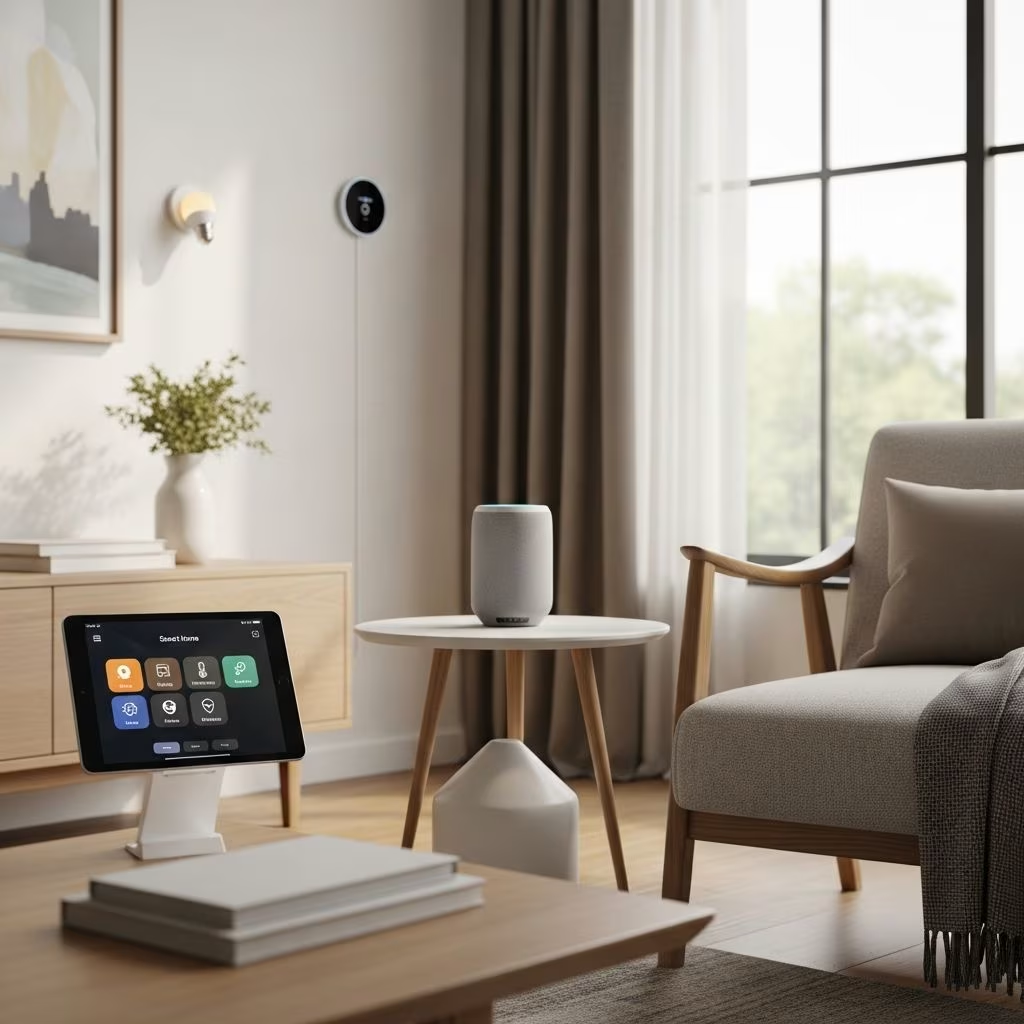
Smart home technology has evolved from luxury to necessity, offering convenience, security, and significant savings on energy bills. But high upfront costs can deter budget-conscious homeowners. This guide shows how to build a smart home affordably, focusing on devices under $50, DIY setups, and long-term ROI through energy efficiency.
Why Invest in a Smart Home?
Smart homes automate daily tasks, enhance security, and reduce utility costs. According to the U.S. Department of Energy, smart thermostats alone can save households up to 10% annually on heating and cooling—potentially $180 for an average home. Security features deter burglaries, with FBI data indicating smart cameras reduce break-in risks by 300%. The key is starting small: prioritize high-impact devices like smart plugs and bulbs that pay for themselves quickly.
Essential Smart Devices Under $50
Begin with basics that deliver immediate value without breaking the bank. Here’s a curated list of affordable essentials:
- Smart Plugs ($10-$20): Control appliances remotely via apps like Kasa or TP-Link. Turn off forgotten irons or vampire power drawers, saving 5-10% on electricity.
- Smart Bulbs ($5-$15 each): Philips Hue or Wyze bulbs dim, schedule, and integrate with voice assistants. Replace incandescents to cut lighting costs by 75%.
- Smart Thermostats ($30-$50 entry-level): Ecobee Lite or Wyze models learn habits and adjust temperatures, ideal for renters with easy installs.
- Smart Locks ($40-$50): August or Wyze locks add keyless entry and auto-lock, enhancing security without rewiring.
- Smart Speakers ($20-$40): Echo Dot or Google Nest Mini serve as hubs for voice control of all devices.
| Device | Avg. Price | Annual Savings | Best For |
|---|---|---|---|
| Smart Plug | $15 | $20-50 | Energy vampires |
| Smart Bulb | $10 | $30-60 | Lighting control |
| Smart Thermostat | $45 | $100-180 | HVAC efficiency |
| Smart Lock | $45 | Security ROI | Access management |
These devices from reputable brands like TP-Link and Wyze offer reliability at low prices, with most compatible with Alexa, Google Home, or Apple HomeKit.
Building Your Smart Home Step-by-Step
Step 1: Assess Your Needs and Budget
Calculate your total spend: Aim for $100-300 initially. List pain points—high energy bills? Frequent forgotten lights? Prioritize accordingly. Use free apps like Home Assistant for planning.
Step 2: Choose a Hub Ecosystem
Select one platform: Amazon Alexa for affordability, Google for integration, or Apple for privacy. Mixing ecosystems adds complexity and cost.
Step 3: Install DIY-Style
No professional needed. Smart plugs plug in; bulbs screw in. Thermostats replace old models in 20 minutes with YouTube guides. Test compatibility via manufacturer apps.
Step 4: Automate for Savings
Set routines: Lights off at bedtime, thermostat down when away. Geofencing via phone location auto-adjusts settings, saving 15% on HVAC per ENERGY STAR.
Energy Savings: The Real Budget Win
Smart homes shine in efficiency. The U.S. Energy Information Administration reports households waste $100+ yearly on standby power; smart plugs eliminate this.
- Lighting: Motion sensors prevent 24/7 glows.
- HVAC: Learning thermostats optimize usage.
- Appliances: Scheduling cuts idle draw.
Average ROI: Devices pay off in 6-12 months. Track savings with apps like Sense or Emporia Vue energy monitors ($50-100).
Security on a Budget
Smart doorbells like Wyze Cam v3 ($35) provide 1080p video and night vision. Pair with sensors for alerts. No subscription needed for basics, unlike pricier Ring.
- Doorbells: Motion detection, two-way audio.
- Cameras: Indoor/outdoor options under $40.
- Sensors: Door/window alerts via hubs.
Insurance perks: Many providers offer 5-10% discounts for smart security, per III.org.
Common Pitfalls and How to Avoid Them
Overbuying: Don’t chase every gadget; scale up post-ROI.
Incompatibility: Stick to one ecosystem.
Subscriptions: Opt for no-fee devices; avoid cloud-dependent ones.
Privacy: Use local storage cameras and review app permissions.
Hacking: Enable 2FA, update firmware regularly—NIST guidelines.
Real Budget Breakdowns
| Budget Level | Devices | Total Cost | Est. Yearly Savings |
|---|---|---|---|
| Starter ($100) | 4 plugs, 4 bulbs, speaker | $100 | $150 |
| Mid ($250) | +Thermostat, lock, camera | $250 | $350 |
| Full ($500) | +Sensors, monitor | $500 | $600+ |
User story: ‘Started with $80 in plugs and bulbs—bills dropped $25/month,’ shares Penny Hoarder reader.
Future-Proofing Your Setup
Matter standard ensures cross-brand compatibility by 2026. Invest in Zigbee/Z-Wave hubs for longevity. Open-source like Home Assistant avoids vendor lock-in.
Frequently Asked Questions (FAQs)
Q: Do I need a smart hub?
A: Many devices work via Wi-Fi without one, but hubs expand options and reliability.
Q: Are budget devices secure?
A: Yes, if from trusted brands. Follow cybersecurity best practices from CISA.
Q: Can renters install smart tech?
A: Absolutely—non-permanent like plugs, bulbs, and battery locks.
Q: What’s the best starter device?
A: Smart plugs: Versatile, cheap, instant savings.
Q: How much can I really save?
A: 10-20% on utilities, per DOE studies—hundreds annually.
Start Smart, Save Big
With prices dropping yearly, 2026 is prime for budget smart homes. Pick 2-3 devices, automate, and watch savings grow. Your wallet (and planet) will thank you.
References
- Smart Thermostats Save Energy — U.S. Department of Energy. 2024-06-15. https://www.energy.gov/energysaver/smart-thermostats
- Crime Prevention Through Environmental Design — Federal Bureau of Investigation. 2023-11-01. https://www.fbi.gov/file-repository/cpted.pdf
- Geofencing and Smart Thermostats — ENERGY STAR (EPA). 2025-02-20. https://www.energystar.gov/products/smart_thermostats
- Smart Home Discounts — Insurance Information Institute. 2025-01-10. https://www.iii.org/article/smart-home-insurance-discounts
- IoT Cybersecurity Guidelines — National Institute of Standards and Technology. 2024-09-01. https://nvlpubs.nist.gov/nistpubs/SpecialPublications/NIST.SP.800-213.pdf
This article is general information, not personal financial advice. Consider your own situation, or speak with a licensed adviser, before acting on it.


