

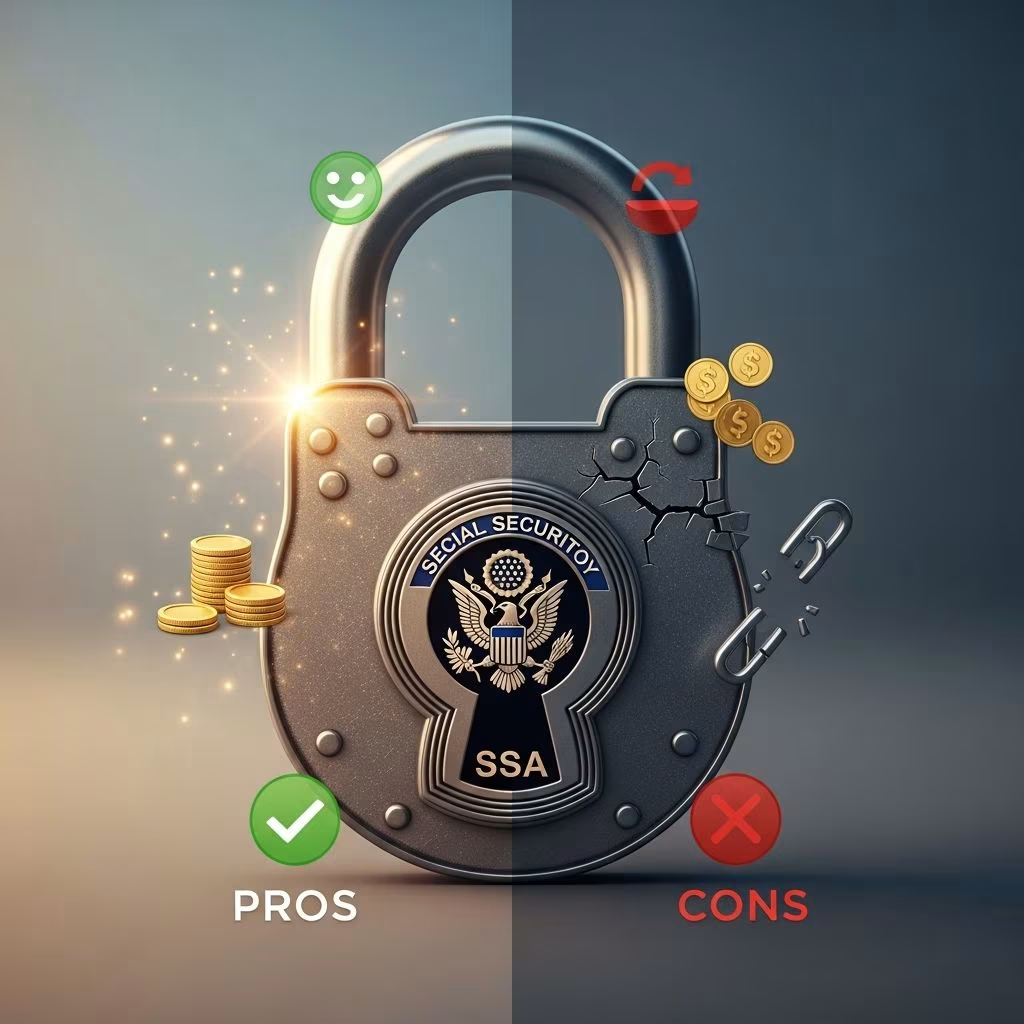
The Social Security lock is a powerful tool designed to protect your Social Security number (SSN) from identity thieves. By blocking electronic access to your SSA records and preventing unauthorized use through E-Verify, it adds a critical layer of security in an era where data breaches are commonplace. However, like any security measure, it comes with trade-offs that affect your own access to services. This article examines the pros and cons of using the Social Security lock, how to implement it, when it’s most useful, and what to consider before proceeding.
What Is the Social Security Lock?
The Social Security lock, sometimes informally called ‘freezing your SSN,’ is not an actual freeze but a voluntary block on electronic access to your Social Security records. It consists of two main components: a block through the Social Security Administration (SSA) that prevents changes or new benefit applications using your SSN, and a Self Lock on E-Verify, a U.S. government system used by employers to verify work eligibility. Unlike a credit freeze, which limits access to your credit reports at Equifax, Experian, and TransUnion, the SSN lock targets government records and employment verification directly.
To activate it, contact the SSA via their online portal or phone to request the block, and then create an E-Verify account to set a Self Lock using security questions and a key. These steps are free and can be reversed when needed, though they may introduce delays.
Pros of Using the Social Security Lock
Locking your SSN offers substantial benefits, particularly for preventing specific types of identity theft that traditional credit freezes might miss. Here’s a detailed look at the key advantages:
- Prevents Employment-Related Identity Theft: The E-Verify Self Lock stops fraudsters from using your SSN to pass employment verification, a common tactic for synthetic identity fraud where thieves build fake work histories.
- Blocks Government Benefits Fraud: With the SSA block in place, criminals cannot alter your records, apply for Social Security, Medicare, or unemployment benefits in your name, safeguarding your long-term entitlements.
- Enhances Overall Identity Protection: Combined with a credit freeze, it creates a comprehensive barrier against new account openings, medical identity theft, and financial fraud, even if thieves obtain your SSN.
- Free and Easy to Implement: No cost involved, and the process is straightforward online or by phone, with no impact on your credit score.
- Provides Peace of Mind: Especially valuable after data breaches, lost wallets, or suspicious activity, reducing anxiety over potential misuse.
These pros make the SSN lock particularly appealing for retirees, parents protecting children’s SSNs, or anyone not actively seeking jobs or loans.
Cons of Using the Social Security Lock
While protective, the Social Security lock applies to you as well, creating hurdles for legitimate activities. Key drawbacks include:
- Limits Your Own Access: You cannot apply for new benefits, pass E-Verify checks for jobs, or make certain SSA changes until unlocked, potentially delaying employment or entitlements.
- Unlocking Delays: Temporarily lifting the lock for jobs, medical visits, or benefits can take time—hours for E-Verify but longer for SSA—and requires individual action per service.
- Inconvenience for Frequent Transactions: If you’re job hunting, applying for credit, or needing benefits soon, the lock complicates processes; hospitals might need alternative ID verification.
- Not a Complete Solution: It doesn’t prevent all fraud, like existing account takeovers, and must be paired with credit freezes and monitoring.
- Annual Renewal for Some Components: Certain implementations, like SSA blocks, may expire after a year in some cases, requiring reapplication.
| Aspect | Pros | Cons |
|---|---|---|
| Employment Verification | Blocks thief job applications | Delays your new job starts |
| Government Benefits | Prevents fraudulent claims | Blocks your new applications |
| Implementation | Free and quick | Requires unlocking for use |
| Overall Protection | Strong layered security | Inconvenient if active |
How to Lock Your Social Security Number
Implementing the lock involves these steps:
- Contact the SSA: Use mySocialSecurity account or call 1-800-772-1213 to request a block on electronic access.
- Set E-Verify Self Lock: Register at E-Verify.gov, verify identity, and activate Self Lock with security questions.
- Freeze Credit: Contact Equifax, Experian, TransUnion for added protection.
Unlocking follows similar processes, often instantly for E-Verify.
When Should You Use the Social Security Lock?
Ideal scenarios include:
- Data breaches exposing your SSN.
- Lost wallet or Social Security card.
- Compromised bank accounts or suspicious notifications.
- Proactive protection for minors or retirees.
- Periods of inactivity, like no job searches or loans planned.
Avoid if you’re in the midst of job applications or benefit claims.
Frequently Asked Questions (FAQs)
Is locking my SSN the same as freezing my credit?
No. Credit freezes block credit report access for new accounts, while SSN locks prevent SSA record changes and E-Verify use.
How long does an SSN lock last?
Indefinitely until unlocked, though some aspects may need annual renewal.
Does locking my SSN affect my credit score?
No, it has no direct impact on credit scores.
Can I lock my child’s SSN?
Yes, parents or guardians can initiate locks for minors to prevent child identity theft.
What if I need to unlock quickly for a job?
E-Verify unlocks are fast online; SSA may take longer—plan ahead.
Additional Tips for SSN Protection
Beyond locking, never carry your Social Security card, monitor SSA alerts, use strong passwords, and report theft immediately to the SSA and FTC. Pair with two-factor authentication and regular credit monitoring for maximum security.
In summary, the Social Security lock is a free, effective tool balancing robust fraud prevention against minor inconveniences. Weigh your current needs against risks to decide if it’s right for you.
References
- How to lock your Social Security number and other tips to protect it — LifeLock by Norton. 2023. https://lifelock.norton.com/learn/identity-theft-resources/tips-to-help-protect-your-social-security-number
- Fortifying Your Identity: Locking Your Social Security Number — Asurity. 2023. https://www.asurity.com/uncategorized/fortifying-your-identity-locking-your-social-security-number/
- Safeguarding Your Identity: Pros and Cons of Locking Your Credit and Freezing Your Social Security — MyECU Investments. 2023. https://www.myeecuinvestments.org/blog/safeguarding-your-identity-pros-and-cons-locking-your-credit-and-freezing-your-social-security
- How to Lock Social Security Number and Prevent Fraud — SafeAeon. 2023. https://www.safeaeon.com/security-blog/how-to-lock-social-security-number/
- 10 Riskiest Places to Give Your Social Security Number — Kiplinger. 2023. https://www.kiplinger.com/article/credit/t051-c011-s001-10-riskiest-places-to-give-your-social-security-nu.html
- How to Keep Your Social Security Number Safe — Experian. 2023. https://www.experian.com/blogs/ask-experian/how-to-keep-social-security-number-safe/
This article is general information, not personal financial advice. Consider your own situation, or speak with a licensed adviser, before acting on it.


