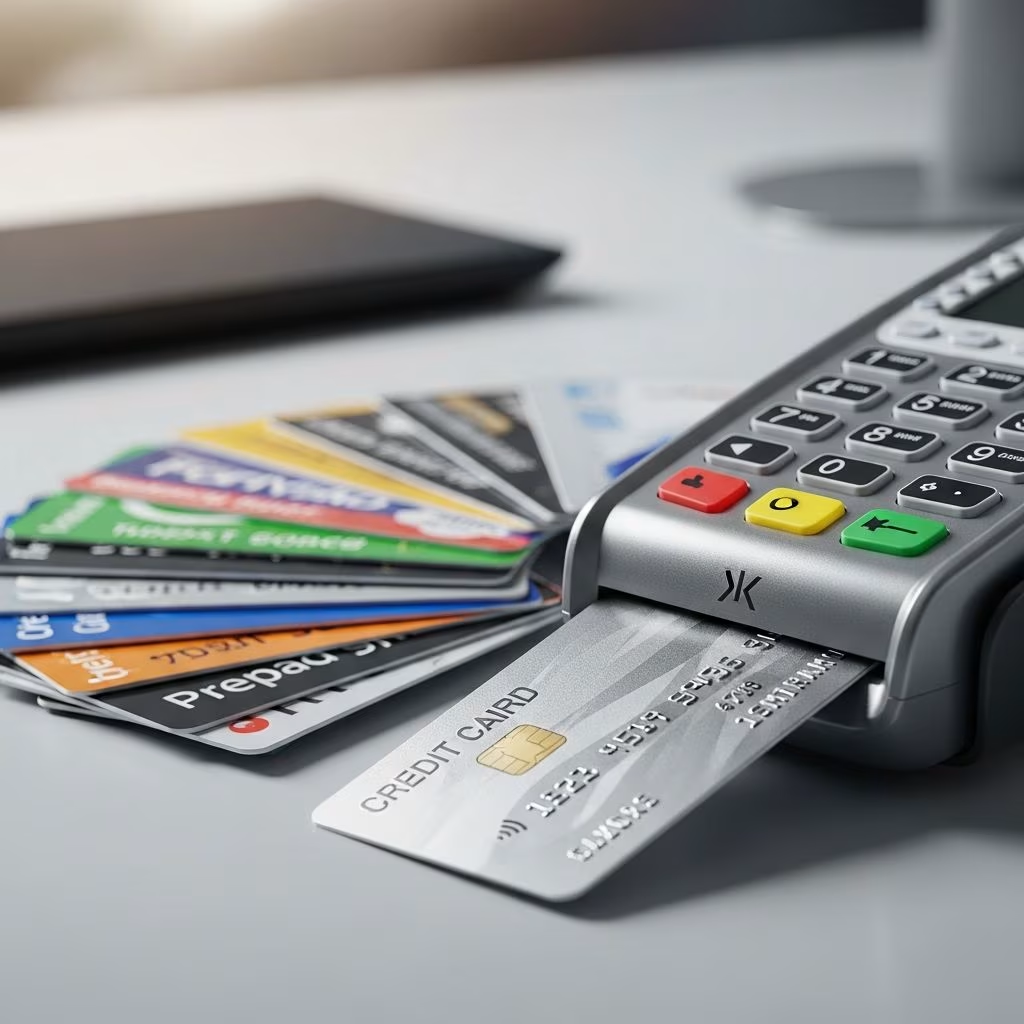
Prepaid cards serve as versatile financial tools for budgeting, travel, or those without traditional bank accounts, but funding them with a credit card online requires careful consideration due to potential fees and restrictions. While direct online transfers from credit cards to most prepaid cards are uncommon or treated as cash advances, several indirect methods and provider-specific options exist to make this possible efficiently.
Understanding Prepaid Cards and Their Funding Basics
Prepaid cards function like debit cards loaded with a set amount of money upfront, offering spending control without overdraft risks. Unlike credit cards, they prevent debt accumulation since you spend only what you’ve added. Common types include general-purpose reloadable cards from networks like Visa, Mastercard, and American Express, each with unique reloading capabilities.
Key benefits include widespread acceptance, no credit checks for issuance, and features like mobile apps for tracking. However, reloading methods vary: direct deposit, cash at retailers, bank transfers, and occasionally credit card links. Credit card funding often incurs cash advance fees (typically 3-5% plus interest) because issuers classify it as non-purchase activity.
- Direct Deposit: Free and fastest for paychecks or benefits.
- Cash Reloads: Available at thousands of stores, but fees up to $3.95 apply.
- Bank Transfers: ACH from checking/savings, usually low or no fee.
- Credit Card Option: Limited; often via apps or specific programs with extra costs.
Can You Load a Prepaid Card Directly with a Credit Card Online?
Direct online loading from a credit card to a prepaid card is rare among major providers due to regulatory and fraud concerns. Most treat it as a cash equivalent, triggering high fees. For instance, American Express Serve allows cash advances from an Amex credit card, but fees apply, and it’s not a seamless transfer.
Netspend and similar cards support peer-to-peer apps like PayPal or Venmo, where you could charge your credit card to send funds, but this chains fees: credit cash advance plus transfer costs. Walmart MoneyCard permits app-based reloads, yet credit card direct links are absent; users resort to intermediaries.
| Provider | Credit Card Reload Support | Typical Fee | Online Method |
|---|---|---|---|
| American Express Serve | Cash advance from Amex card | Fees apply (up to 5%) | App/online portal |
| Netspend Visa | Via P2P apps (indirect) | $3.95+ cash advance | App transfer |
| Bluebird by Amex | No direct; bank transfer preferred | N/A | Online/app |
| Green Dot | Bank transfer/mobile deposit | Up to $5.95 cash | App |
| Walmart MoneyCard | App cash at Walmart (no credit) | $3-$5.95 | App scan |
This table highlights that while online platforms exist, credit card use often means higher costs compared to free options like direct deposit.
Step-by-Step Guide to Online Credit Card Funding
To attempt funding via credit card online, follow provider-specific steps, always reviewing terms first.
- Choose Compatible Cards: Select prepaid cards like Serve that mention credit-linked reloads. Verify your credit card issuer allows advances to prepaid accounts.
- Access the Portal/App: Log into the prepaid issuer’s website or app (e.g., Serve.com or Netspend app).
- Select Reload Option: Navigate to ‘Add Money’ or ‘Reload’; look for bank/credit transfer. If unavailable, use linked P2P like PayPal: fund PayPal with credit, then transfer to prepaid.
- Enter Details: Input credit card info; confirm limits (e.g., Serve: up to certain daily max).
- Confirm and Authorize: Review fees (expect 3-5% + interest); approve the transaction.
- Monitor Balance: Funds appear in 1-3 business days; track via app alerts.
Pro Tip: Test with small amounts to avoid surprises. Automatic reloads, where available, can link bank accounts but rarely credit cards directly.
Fees and Costs Associated with Credit Card Reloads
Using a credit card to fund prepaid cards amplifies expenses. Credit issuers charge cash advance fees (3-5% minimum $10) and immediate interest (up to 25-30% APR). Prepaid providers add reload fees: Netspend up to $3.95 at retailers, Serve free at 45,000+ spots but not for credit advances.
- Cash Advance Fee: 5% of amount or $10, whichever greater.
- Interest: Accrues daily from transaction date.
- Prepaid Fee: $0-$5.95 depending on method/location.
- Foreign Transaction: Additional 1-3% if international.
Total cost for $100 load: potentially $15+, eroding prepaid’s low-fee appeal. Compare to free direct deposit.
Top Prepaid Cards for Easy Online Reloading
Not all prepaid cards excel at credit funding, but these stand out for reload flexibility.
1. American Express Serve: Vast no-fee cash network (45,000+ locations), direct deposit, mobile check deposit, and Amex credit advance option. Monthly fee $6.95, offset by perks like purchase protection.
2. Netspend Visa: 130,000+ reload spots, P2P transfers (PayPal/Venmo), app management. Pay-as-you-go or monthly plans; cash reloads up to $3.95.
3. Bluebird by American Express: No monthly fees, fee-free ATMs, family subaccounts. Reload via bank, cash at Family Dollar (free), mobile deposit.
4. Green Dot Visa: Walmart partnerships for low-fee cash adds, mobile app for checks/bank transfers. Works anywhere Visa is accepted.
5. Walmart MoneyCard: Cash back rewards (up to 3%), app-based Walmart reloads ($3 fee without app). Direct deposit early pay.
Pros and Cons of Using Credit Cards for Prepaid Reloads
| Pros | Cons |
|---|---|
| Convenience: Online 24/7 access. | High Fees: Cash advances + interest. |
| Emergency Funds: Quick liquidity. | Credit Impact: Counts toward utilization. |
| No Bank Needed: Standalone option. | Limits: Daily/monthly caps apply. |
| Build Habits: Encourages budgeting. | Risks: Fraud/advance traps. |
Ideal for one-offs, but habitual use harms finances.
Alternatives to Credit Card Funding
Avoid fees with these superior methods:
- Direct Deposit: Set up payroll/benefits for free, early access on many cards.
- Bank ACH Transfer: Link checking account; 1-2 days, no fee.
- Cash at Retail: Walmart, CVS; free/select networks.
- Mobile Check Deposit: Snap photo via app; instant with third-party fee option.
- P2P Apps: Venmo/Cash App to card, low fees if funded by debit.
Risks and Security Tips for Online Reloading
Credit-funded reloads risk overspending via advances and data breaches. Secure accounts with two-factor authentication, monitor statements, set alerts. Report lost cards immediately; most offer fraud protection.
Fraud stats: Prepaid scams rose 20% yearly; use official apps only.
Best Practices for Managing Prepaid Cards
Maximize value by:
- Choosing no-monthly-fee cards like Bluebird.
- Opting for free reload networks.
- Tracking via apps for budgets/alerts.
- Avoiding credit reloads unless urgent.
- Using for specific goals (travel, teens).
Frequently Asked Questions (FAQs)
Is it free to load a prepaid card with a credit card?
No, it typically incurs cash advance fees from your credit issuer plus any prepaid reload charges.
Which prepaid card allows credit card reloads online?
Serve by Amex supports Amex credit advances; others via indirect P2P.
How long does a credit card reload take?
Instant to 3 days, depending on provider processing.
Can I set up automatic reloads from a credit card?
Rarely; most auto-link to banks only.
Are prepaid cards safer than credit cards?
Yes for spending limits, but reload securely to avoid fees/scams.
References
- The Ultimate Prepaid Card Guide: Everything You Need to Know — DigiPay Guru. 2023. https://www.digipay.guru/blog/comprehensive-guide-to-prepaid-cards/
- 5 Best Prepaid Debit Cards — NerdWallet. 2025-07-05. https://www.nerdwallet.com/banking/learn/best-prepaid-debit-cards
- [Guide] How to Choose the Best Reloadable Prepaid Card — Level6. 2024. https://www.level6.com/blog/best-reloadable-prepaid-card/
- Convenient prepaid debit card to use — Netspend. 2025-07-05. https://www.netspend.com/blog/easiest-prepaid-debit-cards-to-use
- Best Prepaid Debit Cards for May 2025 — Business Insider. 2025-05. https://www.businessinsider.com/personal-finance/banking/best-prepaid-debit-cards
This article is general information, not personal financial advice. Consider your own situation, or speak with a licensed adviser, before acting on it.