

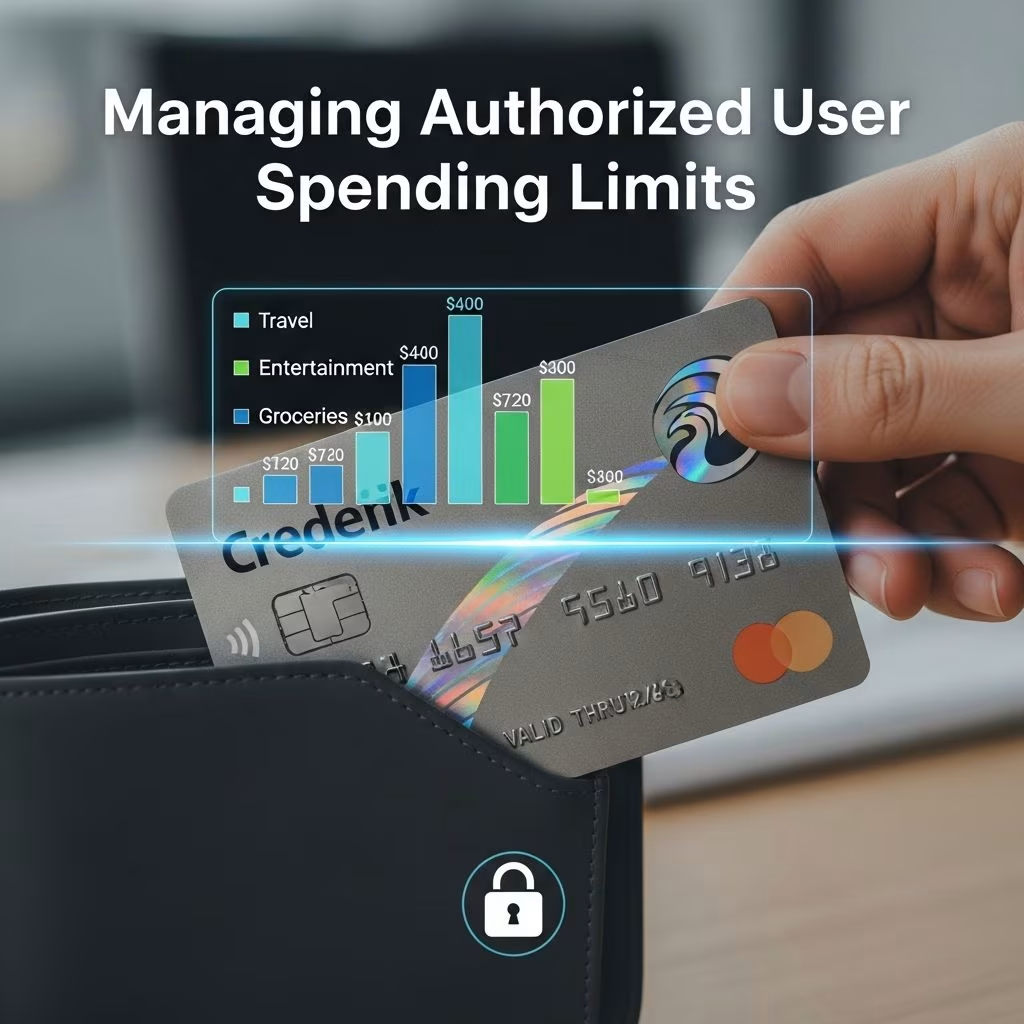
Authorized users on credit cards provide convenience for families, businesses, and shared finances, but unchecked spending can lead to debt and credit damage for the primary account holder. Setting spending limits helps mitigate risks by capping how much additional cardholders can charge, offering peace of mind while allowing access to rewards and credit-building opportunities.
Why Control Spending for Authorized Users?
Adding an authorized user shares your credit line, which means their purchases directly impact your balance, utilization ratio, and potentially your credit score. Overspending by users like teens, spouses, or employees can trigger high interest, fees, or account restrictions. Limits empower primary holders to delegate responsibly, track expenses, and enforce budgets.
For parents, limits teach financial discipline to young adults. Businesses use them to allocate employee budgets without reimbursements. Even without formal limits, informal agreements reduce risks.
Credit Card Issuers Offering Spending Limits
Not all issuers provide this feature, especially on personal cards. Here’s a breakdown based on major providers:
| Issuer | Consumer Cards | Business Cards | Minimum Limit | Notes |
|---|---|---|---|---|
| American Express | Yes | Yes | $200 | All consumer cards support limits; customizable per user. |
| Chase | No (most) | Yes (Ink cards) | Varies | Use Access & Security Manager for business; lock cards on personal. |
| Capital One | Yes | Yes | None specified | Set online after phone activation if needed. |
| Citi | Limited (Costco card) | Varies | N/A | Only specific personal card; no general option. |
| Barclays | Per-transaction | Varies | N/A | Blocks high single charges, not total spend. |
| Bank of America | No | No | N/A | Full access always. |
| Discover | No | No | N/A | Full line access; age 15+. |
This table highlights options; always verify with your issuer as policies evolve.
Step-by-Step: Setting Limits on Popular Cards
Chase Business Cards
Log into your Chase online account or mobile app. Navigate to Account Management, then Access & Security Manager. Add the user by entering their details, assign access levels, and input daily or total spending caps. Confirm, and the user gets login info. Monitor and adjust via dashboard anytime.
American Express Cards
Access your Amex account online. Go to account services, select the card, and manage additional card members. Set limits from $200 upward or full access. Changes apply instantly.
Capital One Cards
Online portal: Add user, then set limit. If unavailable, call support to enable. Post-activation, manage digitally with flexible thresholds.
For issuers without limits, lock/unlock cards or set purchase alerts.
Best Practices for Sharing Cards Safely
- Communicate Clearly: Define approved uses (e.g., gas only) and informal caps before adding.
- Regular Monitoring: Review statements weekly with users, especially youth or staff.
- Alerts Setup: Enable notifications for charges over set amounts.
- Education First: Explain credit impacts, debt risks, and payment responsibilities.
- Remove When Unneeded: Delete users post-purpose to protect your score.
These steps foster trust and prevent surprises.
Risks of Not Limiting Authorized Users
Without controls, users access your full line, inflating utilization (ideal under 30%). High balances raise scores for all if reported, but delinquencies harm everyone. Primary holders pay all bills, facing fees if limits exceeded. Businesses risk unapproved expenses.
Age matters: No universal minimum, but issuers like Discover require 15+.
Alternatives When Limits Aren’t Available
Use prepaid cards, debit linked to sub-accounts, or cash advances for strict control. Virtual card numbers limit exposure per merchant. For businesses, expense apps track without credit sharing.
Building Credit Through Authorized Status
Positive activity helps users’ scores if reported (most do). Limits encourage good habits without full risk. Parents boost teens’ profiles safely.
Business Applications: Employee Cards
Ink cards from Chase shine here, with per-user limits and centralized tracking. Set department budgets, review spends real-time, integrate with accounting.
FAQs
How many authorized users can I add?
Varies: Up to 4-5 on personal cards; unlimited on many business. Check issuer.
Does adding users affect my credit score?
Usually positive if managed well; too many can signal risk.
Can I set limits on personal Chase cards?
No formal limits, but lock cards or use alerts.
Are there fees for authorized users?
Often free; some charge $0-50 per user annually.
What if a user exceeds the limit?
Declined transactions; no fees if set properly.
Choosing the Right Card for Shared Use
Prioritize issuers like Amex or Capital One for consumer needs, Chase Ink for business. Weigh rewards vs. control features.
Word count: 1678 (excluding metadata and references).
References
- Cards That Allow You To Set Spending Limits For Authorized Users — Bankrate. 2024. https://www.bankrate.com/finance/credit-card-spending-limit-for-authorized-users/
- Which Credit Cards Let You Set a Spending Limit for Authorized Users — NerdWallet. 2024. https://www.nerdwallet.com/credit-cards/learn/credit-card-spending-limit-for-authorized-users
- Which credit cards let you set a spending limit for authorized users? — CardRatings. 2024. https://www.cardratings.com/financial-literacy/which-credit-cards-let-you-set-a-spending-limit-for-authorized-users.html
- Setting a Spending Limit for Authorized Users — Chase. 2025. https://www.chase.com/personal/credit-cards/education/basics/setting-a-spending-limit-for-authorized-users
- Which card issuer allows different credit limits for multiple users? — CreditCards.com. 2024. https://www.creditcards.com/education/which-cards-multiple-authorized-users-credit-limits/
This article is general information, not personal financial advice. Consider your own situation, or speak with a licensed adviser, before acting on it.


