

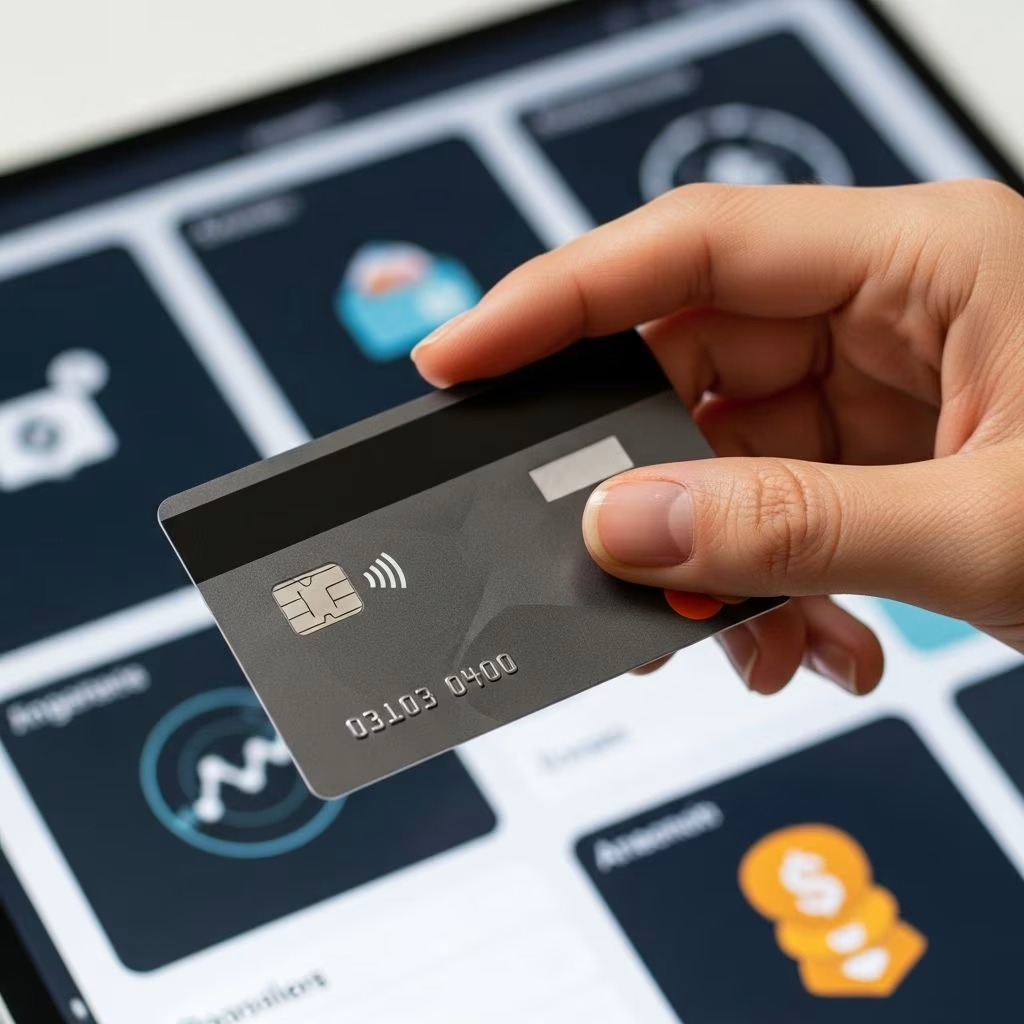
Prepaid debit cards provide a practical way to make purchases, withdraw cash, and manage money without linking to a traditional bank account. These cards are loaded with funds upfront, allowing users to spend only what they’ve added, which helps avoid overdraft fees and debt risks.
Why Choose Prepaid Debit Cards?
Individuals without bank accounts, such as those facing credit issues or preferring cash-based systems, benefit from prepaid debit cards. They offer card network acceptance like Visa or Mastercard, enabling use at millions of locations worldwide. No credit checks are typically required, making them accessible for rebuilding financial habits.
Key advantages include spending controls to prevent overspending, widespread usability for online and in-store transactions, and features like direct deposit for faster fund access. Unlike gift cards, reloadable prepaid cards support repeated use without expiration concerns.
Top Prepaid Debit Card Recommendations
Several providers stand out for their low fees, reload options, and user-friendly features. Here’s a comparison of leading options:
| Card Name | Monthly Fee | No-Fee ATMs | Reload Methods | Best For |
|---|---|---|---|---|
| Bluebird by American Express | $0 | 40,000+ MoneyPass | Retailers, direct deposit | No-fee ATM access |
| Serve American Express | $6.95 | 40,000+ | Extensive retail network | Varied reloads |
| Netspend Prepaid | Varies | Network-specific | Many free reload spots | Cashback rewards |
| Walmart MoneyCard | $0-$5.94 | None (fees apply) | Walmart, direct deposit | Frequent Walmart users |
| Greenlight Prepaid Mastercard | $5.99-$14.98 | Third-party fees | App-based, family controls | Family budgeting |
Evaluating Fees and Costs
Fees vary significantly across providers, impacting overall value. Monthly maintenance fees range from free to under $7, with many waivable through direct deposit. ATM withdrawals often incur out-of-network charges of $2.50 plus operator fees, but in-network access minimizes this.
- Purchase fees: Most cards charge $0 for transactions.
- Reload fees: Retail reloads can cost $3.95, but locations like Family Dollar or Walgreens may waive them.
- Inactivity fees: Avoided by regular use or specific plans.
- Activation: Often free, unlike one-time gift cards.
Opt for cards with purchase protection or cushions, like Netspend’s $10 overdraft buffer repaid on reload.
Step-by-Step Guide to Getting Started
- Select a provider: Compare based on your spending habits, such as frequent ATM use or retail reloads.
- Apply online or in-store: Provide basic ID; no bank details needed. Approval is instant for most.
- Activate and load funds: Use cash at retailers, direct deposit, or app transfers. Minimum loads start at $20.
- Link to digital wallets: Add to Apple Pay or Google Pay for contactless payments.
- Monitor via app: Track balances, set alerts, and freeze cards if lost.
Popular Reload and Funding Methods
Flexibility in adding money keeps these cards practical. Common options include:
- Retail locations: 7-Eleven, Walmart, Dollar General (fees $1-$5).
- Direct deposit: Payroll or government benefits load 1-2 days early.
- Bank transfers: From external accounts, often free.
- Mobile apps: Cash App or peer-to-peer for quick top-ups.
- ATM deposits: Limited but available on select cards.
Choose cards with extensive no-fee networks, like Serve’s broad retail partnerships.
Security Features for Peace of Mind
Modern prepaid cards prioritize protection. Virtual card options allow one-time use for online shopping, reducing fraud risk. Physical cards support instant freezing via apps.
- EMV chip technology prevents skimming.
- Zero-liability for unauthorized charges.
- Real-time alerts for transactions.
- Lockable cards for families or shared use.
Providers like Revolut offer multi-currency support and ATM locators in apps.
Who Benefits Most from These Cards?
Unbanked adults, teens learning money management, or those avoiding bank fees find these ideal. Families use multi-account features for allowances with spending limits per store category.
For immigrants or gig workers, direct deposit integration simplifies income handling without full banking. Compared to cash, cards reduce carrying risks and enable online purchases.
Limitations to Consider
Prepaid cards lack FDIC insurance, so funds aren’t protected against issuer failure—though major networks like Visa mitigate risks. Daily/weekly spending limits apply, typically $5,000 max. No overdraft protection beyond cushions, enforcing disciplined spending.
Acceptance is near-universal but excludes some utilities or rentals requiring credit checks.
Alternatives to Traditional Prepaid Cards
App-based debit like Chime or Cash App offers similar perks with larger ATM networks and free retailer loads. Second-chance checking accounts provide banking features if eligibility improves.
| Option | Bank Link Required? | Key Perk |
|---|---|---|
| Prepaid Debit | No | Spend only loaded funds |
| Cash App Card | Optional | Peer-to-peer integration |
| Chime Spending | No full account | Early direct deposit |
Frequently Asked Questions
Can I use a prepaid debit card internationally?
Yes, most Visa/Mastercard prepaid cards work abroad, but check foreign transaction fees (0-3%) and ATM limits.
Do prepaid cards build credit?
No, they don’t report to credit bureaus since no credit is extended.
What’s the minimum age to get one?
Typically 18, but family cards like Greenlight allow parental setup for kids.
Are there income requirements?
None; accessibility is a core feature.
How do I close or replace a card?
Contact support via app or phone; remaining balance transfers to a new card.
Maximizing Value in 2026
With rising fintech innovations, look for cards offering cashback (up to 10% at partners), budgeting tools, and crypto integrations. Pair with apps for automated savings from reloads. Regularly review fees against usage to switch providers if needed—many allow easy transfers.
For high-volume spenders, premium plans unlock unlimited exchanges or metal cards with insurance. Stay updated on promotions via provider apps for waived fees or bonuses.
References
- Good Alternatives to Visa Gift Cards in the U.S. — Netspend. 2023. https://www.netspend.com/blog/good-alternatives-to-visa-gift-cards-in-the-u-s
- 5 Best Prepaid Debit Cards — NerdWallet. 2025-02-01. https://www.nerdwallet.com/banking/learn/best-prepaid-debit-cards
- Prepaid Cards — Revolut. 2025. https://www.revolut.com/en-US/cards/prepaid-cards/
- Best Prepaid Cards — Credit Karma. 2024. https://www.creditkarma.com/money/i/best-prepaid-cards
- Prepaid Visa Cards — Visa. 2025. https://usa.visa.com/pay-with-visa/find-prepaid-card
This article is general information, not personal financial advice. Consider your own situation, or speak with a licensed adviser, before acting on it.


