

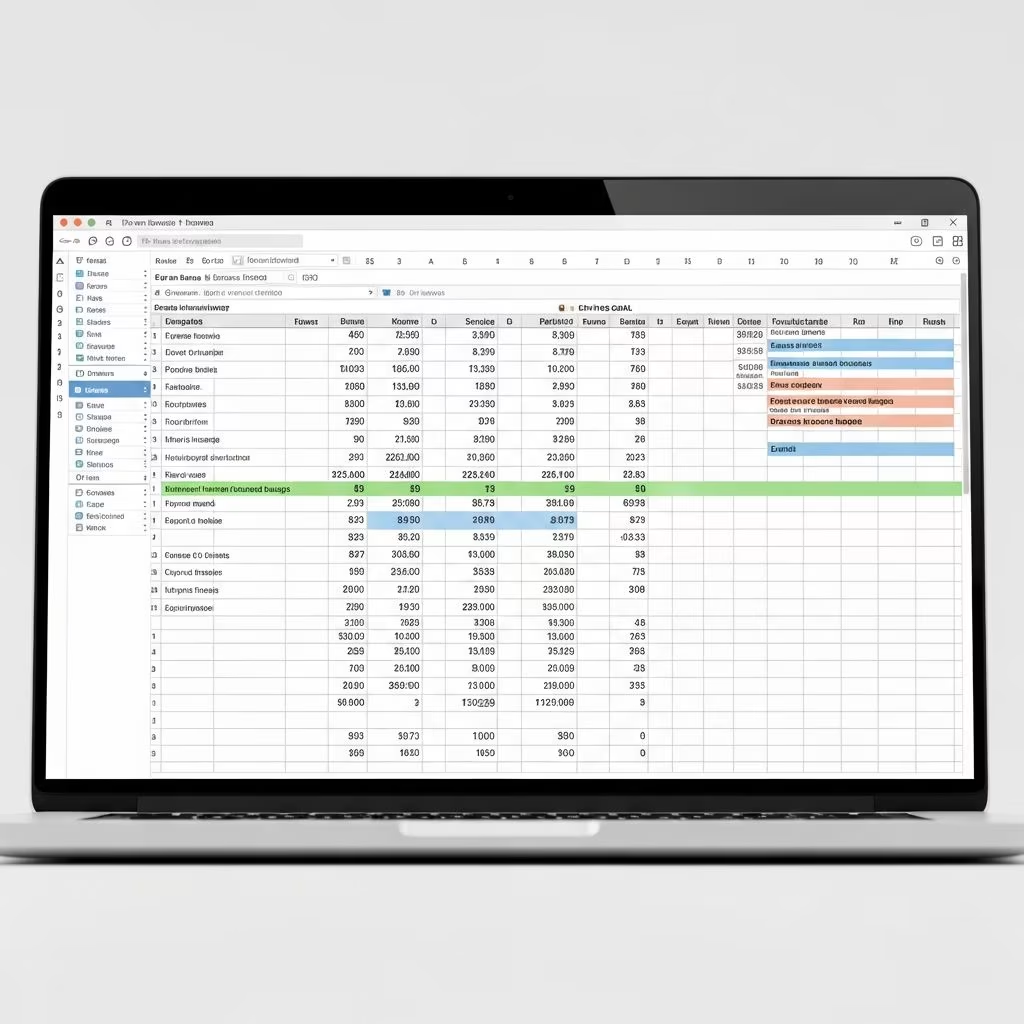
Developing a budget spreadsheet empowers individuals to gain clarity over their finances, enabling informed decisions that align with long-term objectives. This tool transforms raw financial data into actionable insights, helping users monitor cash flow, reduce unnecessary spending, and build wealth systematically.
Why a Custom Budget Spreadsheet Matters
A well-designed budget spreadsheet serves as the foundation for financial discipline. It provides a clear snapshot of income versus outflows, highlighting areas for improvement. Unlike generic apps, a personalized sheet allows full customization to fit unique lifestyles, from freelance income fluctuations to family expenses. Regular use fosters habits that lead to debt reduction and savings growth, as users actively engage with their numbers.
Financial experts emphasize that tracking promotes accountability. For instance, visualizing variances between planned and actual spending reveals patterns, such as impulse buys or seasonal costs, allowing proactive adjustments.
Selecting the Ideal Spreadsheet Platform
Choosing the right software is the first critical step. Popular options include Microsoft Excel for its robust features and Google Sheets for accessibility.
- Microsoft Excel: Offers advanced formulas, pivot tables, and offline access, ideal for complex analysis.
- Google Sheets: Enables real-time collaboration, mobile syncing, and free usage, perfect for shared household budgets.
- Other Tools: Platforms like Smartsheet provide pre-built templates with automation.
Consider factors like device compatibility and collaboration needs. Beginners may start with templates to bypass initial setup hurdles.
Defining Clear Financial Objectives
Before inputting data, outline specific goals. Common aims include building an emergency fund, paying off debt, or saving for vacations. Tailor categories to these targets—personal budgets might prioritize groceries and utilities, while business ones focus on payroll and marketing.
Ask: What is my after-tax income? What are fixed versus variable costs? This clarity ensures the spreadsheet drives purposeful action rather than mere recording.
Structuring Your Income Section
Begin by listing all revenue streams in dedicated rows. Include salary, side gigs, investments, or rentals. Use the SUM function for totals: =SUM(B2:B10) in Excel or Sheets.
| Income Source | Monthly Amount |
|---|---|
| Primary Salary | $4,500 |
| Freelance Work | $800 |
| Dividends | $200 |
| Total Income | $5,500 |
This setup automatically updates as figures change, providing a reliable baseline.
Categorizing Expenses Effectively
Divide expenses into essentials and discretionary to apply rules like 50/30/20—50% needs, 30% wants, 20% savings/debt.
- Fixed Needs: Rent/mortgage, utilities, insurance, minimum debt payments.
- Variable Needs: Groceries, transportation, healthcare.
- Wants: Dining out, entertainment, subscriptions.
- Savings/Debt: Emergency fund, extra loan payments, retirement contributions.
Sub-categorize for granularity, e.g., groceries under food. Track both budgeted and actual amounts in adjacent columns for variance calculation: =Actual - Budgeted.
Implementing Automation with Formulas
Formulas eliminate manual errors and save time. Key ones include:
- Total Expenses:
=SUM(C2:C20) - Net Cash Flow:
=Total Income - Total Expenses - Variance:
=IF(Actual > Budgeted, "Over", "Under") & " by " & ABS(Actual - Budgeted) - Percentage of Income:
=(Expense / Total Income) * 100
Conditional formatting highlights overspending in red, enhancing quick reviews. For rolling balances, use =Previous Balance + Net Flow.
Visualizing Data for Deeper Insights
Charts turn numbers into stories. Insert pie charts for expense breakdowns, line graphs for trends over months, and bar charts for budget vs. actual.
In Google Sheets or Excel:
- Select data range.
- Insert > Chart.
- Customize for clarity, e.g., add data labels.
Examples include a spending pie showing 40% housing, 25% food; or a trend line revealing holiday spikes. Dashboards consolidate these for at-a-glance monitoring.
Monthly Review and Adjustment Process
End each month by comparing actuals to plans. Steps include:
- Calculate variances across categories.
- Identify trends, like rising fuel costs.
- Reallocate funds, e.g., cut entertainment to boost savings.
- Buffer for surprises with a miscellaneous category.
Update goals quarterly. This iterative process refines accuracy and adaptability.
Advanced Features for Power Users
Elevate your sheet with pivot tables for custom summaries, scenario analysis (e.g., “what if income drops 20%?”), and macros for repetitive tasks. Integrate bank APIs if using advanced tools, though manual entry builds discipline.
Multi-sheet setups separate monthly tabs with yearly summaries linking via formulas.
Common Mistakes to Sidestep
Avoid these pitfalls:
- Ignoring small transactions that accumulate.
- Overly rigid categories—keep flexible.
- Neglecting reviews, leading to drift.
- Forgetting irregular expenses like taxes.
Start simple, then expand.
Frequently Asked Questions
How often should I update my budget spreadsheet?
Daily for transactions, weekly for reviews, monthly for full analysis to maintain accuracy.
Can I use this for business finances?
Yes, adapt categories for revenue, COGS, overhead, and profit tracking.
What if my income varies monthly?
Average over 3-6 months or use separate columns for base vs. variable pay.
Is Google Sheets secure for financial data?
Yes, with two-factor authentication and private sharing; avoid public links.
How do I handle shared expenses in a household?
Add columns for each person or use percentages of joint income.
Sample Monthly Budget Template
| Category | Budgeted | Actual | Variance | % of Income |
|---|---|---|---|---|
| Housing | $1,800 | $1,790 | $10 | 33% |
| Food | $600 | $650 | -$50 | 12% |
| Transportation | $400 | $380 | $20 | 7% |
| Savings | $1,100 | $1,100 | $0 | 20% |
| Total | $5,500 | $5,480 | $20 | 100% |
This example uses the 50/30/20 rule, showing a slight surplus.
Building and maintaining a budget spreadsheet is an investment in financial freedom. Consistent effort yields compounding benefits, from stress reduction to goal achievement.
References
- Free Excel Budget Templates — Smartsheet. 2023. https://www.smartsheet.com/top-excel-budget-templates
- How to Create a Budget Spreadsheet in 8 Easy Steps — Steward Ingram & Cooper, PLLC. 2024-01-15. https://stewardingram.com/how-to-create-a-budget-spreadsheet/
- Free customizable budget templates — Microsoft Excel. 2025. https://excel.cloud.microsoft/create/en/budget-templates/
- How to Make a Monthly Budget | Google Sheets Tutorial — YouTube (YouAreLovedTemplates). 2023-05-10. https://www.youtube.com/watch?v=uRBWBvtrgEs
- Free Budget Template: A Simple Tool to Help You Track Your Money — NerdWallet. 2025-02-01. https://www.nerdwallet.com/finance/learn/budget-worksheet
This article is general information, not personal financial advice. Consider your own situation, or speak with a licensed adviser, before acting on it.


