

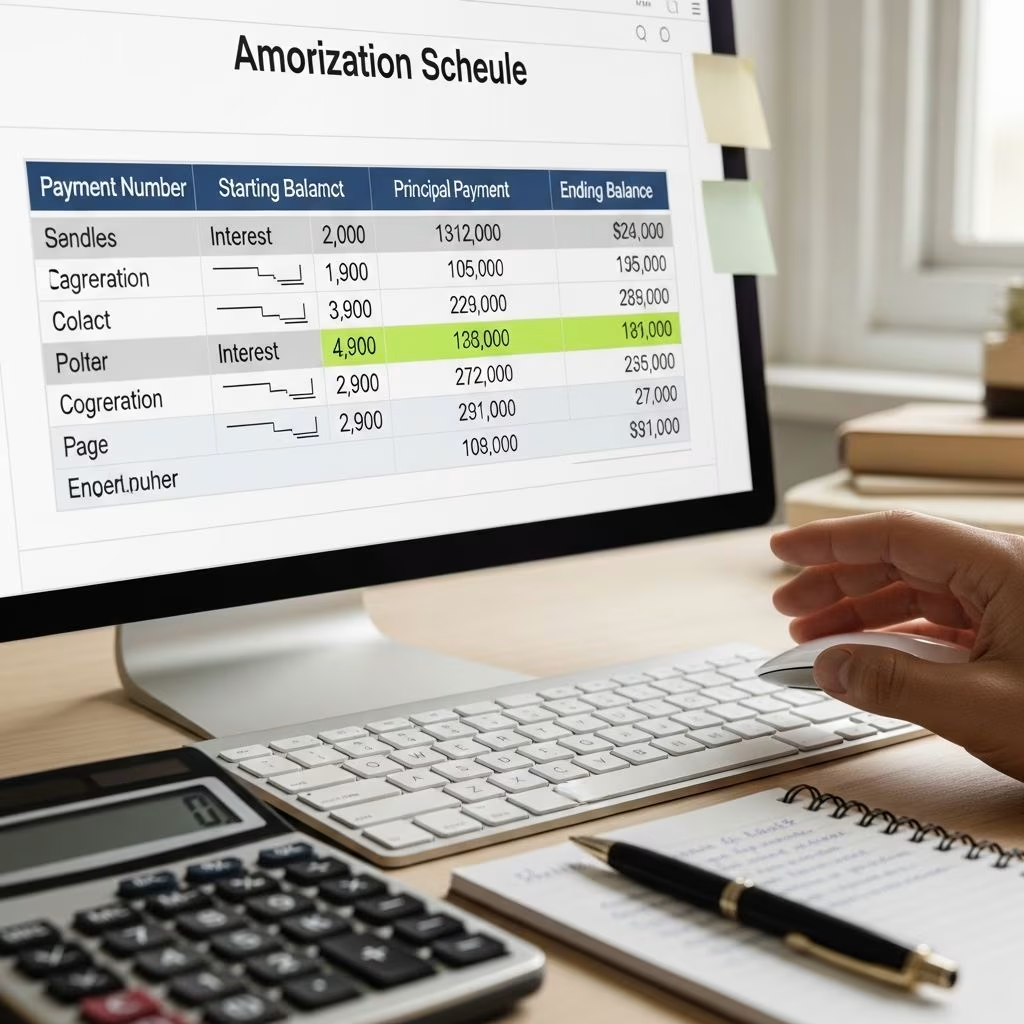
Building your own amortization schedule is a straightforward yet powerful way to demystify your mortgage or loan payments. Using basic spreadsheet tools like Excel or Google Sheets, you can track every dollar going toward principal versus interest, forecast equity growth, and experiment with strategies to pay off debt faster. This hands-on approach empowers you to make informed financial decisions without relying on online calculators.
An **amortization schedule** details how fixed payments are split between interest and principal over the loan term, showing a declining balance until zero. Early payments heavily favor interest, while later ones build equity rapidly—a key insight for acceleration tactics.
Why Build Your Own Amortization Schedule?
Creating a custom schedule offers transparency that pre-built calculators often lack. You’ll see exactly how much interest you’ll pay over 30 years—often exceeding the principal—and identify opportunities to redirect funds strategically.
- Visualize interest savings: Spot how extra principal payments early on drastically cut total interest.
- Test scenarios: Simulate bi-weekly payments, lump sums, or rate changes to find your optimal payoff path.
- Track equity: Monitor home value minus loan balance for refinance or sale planning.
- Educate yourself: Understand why mortgages are ‘front-loaded’ with interest, countering common misconceptions.
For a $200,000 loan at 6% over 30 years, standard payments total over $231,000 in interest alone. DIY tools reveal paths to slash this by years and dollars.
Tools You’ll Need
All you require is a spreadsheet program with PMT (payment), addition, subtraction, multiplication, and division functions. Excel is ideal, but Google Sheets or OpenOffice Calc work seamlessly.
- Excel/Google Sheets: Free via Google Drive.
- No advanced skills needed—basic formulas suffice.
- Optional: Download starter templates from trusted finance sites, but building from scratch builds understanding.
Example Loan Parameters
We’ll use a realistic 30-year mortgage as our base case, mirroring common U.S. home loans:
| Parameter | Value |
|---|---|
| Principal (Loan Amount) | $200,000 |
| Term | 30 years (360 months) |
| Annual Interest Rate | 6.00% (0.50% monthly or 0.005) |
| Monthly Payment | $1,199.10 (via =PMT(6%/12,360,-200000)) |
Note: Exclude escrow (taxes/insurance) initially, as it doesn’t affect amortization math. Add later if tracking full PITI payments.
Step-by-Step: Building the Spreadsheet
Set up your sheet with these column headers in Row 1:
| A | B | C | D | E | F | G | H |
|---|---|---|---|---|---|---|---|
| Month | Balance | Payment | Principal | Interest | Equity | Total Interest | Total Payments |
Enter loan parameters in a setup section (e.g., cells J1-K4) for easy adjustments.
Month 1 Setup (Row 2)
- A2: 1 (Month number).
- B2: 200000 (Starting balance).
- C2: =PMT($K$2/12,$K$3,-$K$1,0,0) → $1,199.10 (Locks payment; use absolute refs with $).
- D2: =C2-(B2*$K$2/12) → $199.10 (Principal = Payment – Interest).
- E2: =B2*$K$2/12 → $1,000.00 (Interest = Balance × Monthly Rate).
- F2: =D2 → $199.10 (Equity gained this month).
- G2: =E2 → $1,000.00 (Running total interest).
- H2: =C2 → $1,199.10 (Running total payments).
Months 2-360 (Drag Formulas Down)
Copy Row 2 formulas to Row 361:
- A3: =A2+1.
- B3: =B2-D2 (New balance = Prior – Principal paid).
- C3: =C2 (Fixed payment).
- D3: =C3-(B3*$K$2/12).
- E3: =B3*$K$2/12.
- F3: =D3.
- G3: =G2+E3 (Cumulative interest).
- H3: =H2+C3 (Cumulative payments).
By Month 360, balance hits $0, total interest ~$231,676, total payments ~$431,676.
Key Insights from Your Schedule
Review the sheet for revelations:
- Front-loading: First payments are 83% interest ($1,000/$1,199). By Year 20, it’s 50/50, then mostly principal.
- Equity curve: Slow buildup early; accelerates post-Year 10.
- Total cost: Interest dwarfs principal—motivation for action.
Chart columns B (Balance) and G (Cum. Interest) for visuals: Insert → Chart → Line.
Accelerating Payoff: Add Extra Principal
Enhance for DIY acceleration. Add Column I: ‘Extra Principal’.
- Month 132 (Year 11): Balance ~$125K-$128K. Enter $1,000 extra in I132.
- Adjust B133: =B132-(D132+I132).
- Drag down; payoff jumps months/years early.
Example: $100/mo extra from start shaves 4+ years, saves $40K+ interest. Bi-weekly? Halve payment, pay 26x/year.
| Strategy | Extra Monthly | Payoff Time | Interest Saved |
|---|---|---|---|
| Standard | $0 | 30 years | $0 |
| Bi-Weekly | Equivalent | ~26 years | ~$30K |
| $100 Extra | $100 | 25.5 years | ~$40K |
| $1,000 Lump (Yr 11) | Lump | 29.75 years | ~$3K |
Common Questions and Adjustments
Q: Does this work for non-mortgage loans?
A: Yes—adjust term/rate. Cars (5 years), students (10-25 years) follow same math.
Q: Include escrow/taxes?
A: Add columns for PITI, but escrow is neutral (paid/received by servicer).
Q: OpenOffice/Google Sheets compatible?
A: Fully—PMT syntax identical. Use Google Drive for free access.
Q: Refinance impact?
A: Recalculate PMT with new rate/term; paste into fresh sheet.
Q: Why more equity over time?
A: Principal payments compound reductions in interest, accelerating balance drop.
Advanced Tips and Warnings
- Random extras: Model life events (bonuses, tax refunds) in acceleration sheets.
- Prepayment penalties: Check loan docs—rare but exist.
- Opportunity cost: Compare investing returns vs interest savings.
- Verify: Cross-check with official calculators from Freddie Mac or lenders.
Programs like Money Merge Account (MMA) repackage this logic; DIY for free.
Frequently Asked Questions (FAQs)
Q: Can I input my own loan details?
A: Absolutely—update principal, rate, term in setup cells. Recalc PMT and refresh.
Q: How do I add escrow or insurance?
A: Insert columns post-P&I; escrow doesn’t alter amortization but tracks full outflow.
Q: What’s the best acceleration strategy?
A: Consistent extras early; bi-weekly for no added cash outflow.
Q: Does this show home equity accurately?
A: Principal paid contributes; true equity = market value – balance.
Q: Free templates available?
A: Build yours or adapt open-source; avoids black-box tools.
References
- Speeding through your mortgage — Wise Bread. 2009-approx. https://www.wisebread.com/speeding-through-your-mortgage-0
- How to Build Your Own Amortization Schedule — Wise Bread. 2009-approx. https://www.wisebread.com/how-to-build-your-own-amortization-schedule-0
- The Pros and Cons of Paying Off Your Debt Early — Wise Bread. 2010-approx. https://www.wisebread.com/the-pros-and-cons-of-paying-off-your-debt-early
- Loan Amortization Schedule (Mortgage, Student, Car) — BadCredit.org. 2016-01-01. https://www.badcredit.org/loan-amortization-schedule/
- Front-loaded loans: a financial conspiracy? — Wise Bread. 2009-approx. https://www.wisebread.com/front-loaded-loans-a-financial-conspiracy
This article is general information, not personal financial advice. Consider your own situation, or speak with a licensed adviser, before acting on it.


