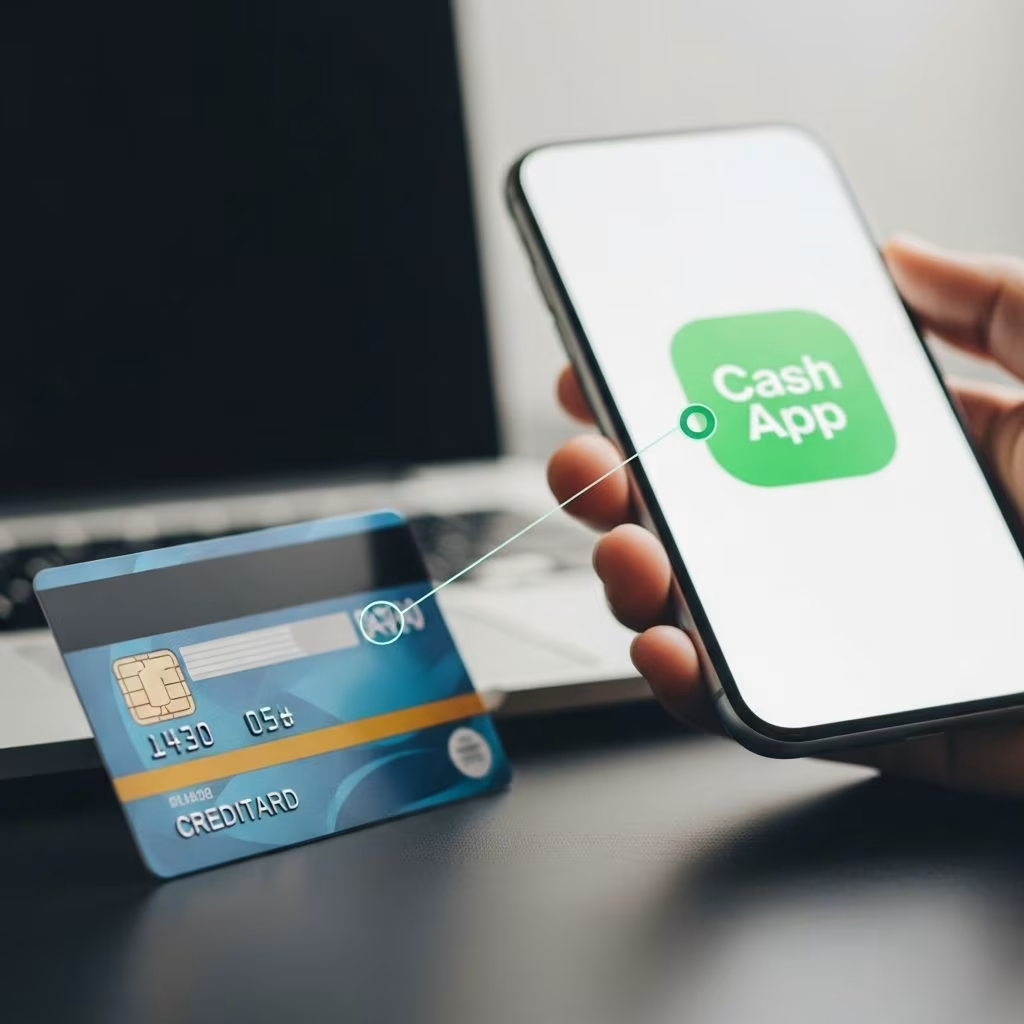
Connecting a credit card to Cash App allows users to fund peer-to-peer transfers directly from their credit line, offering flexibility for quick payments without relying solely on debit cards or bank balances. This feature, available since Cash App’s early iterations, supports sending money to friends, family, or businesses, though it comes with specific requirements and costs.
Why Integrate Credit Cards with Cash App?
Cash App has evolved into a versatile digital wallet for millions, handling everything from casual remittances to bill payments. Linking a credit card expands funding options, especially useful when cash balances are low or debit cards are unavailable. Primary benefits include instant access to credit for urgent transfers and potential rewards accrual from card perks, provided the transaction qualifies under issuer terms.
- Convenience for on-the-go payments without pre-loading funds.
- Opportunity to leverage credit limits during cash shortages.
- Seamless integration with Cash App’s ecosystem for P2P and select merchant transactions.
However, users must weigh these advantages against fees and credit utilization impacts, as detailed below.
Step-by-Step Process to Add Your Credit Card
Adding a credit card requires an existing Cash App account with a linked debit card or bank account, a policy designed to verify user identity and reduce fraud risks. Here’s the precise walkthrough based on current app functionality:
- Open the App and Navigate to Profile: Launch Cash App on your mobile device and tap the profile icon in the upper-right corner.
- Access Linked Banks: Scroll to the ‘Linked Banks’ or ‘Payment’ section, indicated by a chain-link icon.
- Link Debit First if Needed: If no debit card is connected, select ‘Add Debit Card,’ input details (number, expiry, CVV, ZIP), and verify.
- Add Credit Card: Once debit is linked, tap ‘Link Credit Card.’ A prompt warns of the 3% fee for sends.
- Enter Card Details: Provide card number, expiration date, 3-digit CVV, and billing ZIP code. Tap ‘Link Card’ to process.
- Confirmation: A green checkmark appears, and the card lists under linked payment methods.
Verification may involve a small test charge or SMS code for security. The entire process typically takes under 2 minutes.
Key Fees and Costs Involved
Cash App imposes a standard 3% fee on all transactions funded by credit cards, applied at checkout. This covers processing costs from card networks like Visa or Mastercard. For example, sending $100 incurs a $3 fee, deducted upfront.
| Funding Source | Fee for Sending Money | Notes |
|---|---|---|
| Debit Card/Bank | Free (standard P2P) | Instant for linked accounts |
| Credit Card | 3% of amount | Only for sends, not adds to balance |
| Cash App Balance | Free | Fastest option |
Additional issuer cash advance fees may apply if classified as such, potentially 3-5% plus interest from day one. Check your card’s terms via issuer apps or statements.
What You Can and Cannot Do with Linked Credit Cards
Credit cards enable sending money to other users or paying verified businesses but cannot directly boost your Cash App balance.
- Allowed: P2P transfers, bill pays to supported services, select online purchases.
- Not Allowed: Adding funds to Cash App card balance, ATM withdrawals, or merchant QR scans via credit.
To send: Tap ‘Pay,’ enter amount, select credit as source (fee shown), input recipient’s $Cashtag or phone, and confirm. Recipients get funds instantly.
Security Measures and Best Practices
Cash App employs tokenization, encrypting card details so they’re never stored in readable form on servers. Biometric logins (Face ID/Touch ID) and PINs add layers.
Essential Safety Tips
- Enable notifications for all transactions.
- Use strong, unique PINs and avoid public Wi-Fi for setups.
- Monitor credit utilization; frequent use can impact scores.
- Remove unused cards promptly via profile settings.
If issues arise, like failed links, clear app cache, update to latest version, or contact support through in-app chat.
Pros and Cons of Using Credit Cards on Cash App
| Pros | Cons |
|---|---|
| Earn rewards/miles on spends | 3% platform fee + possible cash advance fees |
| Flexible funding without bank access | Increases credit utilization ratio |
| Quick emergency transfers | Limited to sends only |
| Builds payment history if paid off | Interest accrues if balance unpaid |
For rewards enthusiasts, pair with high-cashback cards, but calculate net value post-fees.
Troubleshooting Common Issues
Users often face hurdles; here’s how to resolve:
- No ‘Link Credit Card’ Option: Ensure debit/bank is linked first.
- Card Declined: Verify details, expiry, or contact issuer for blocks.
- Fee Disputes: Fees are non-refundable; preview before confirming.
- App Crashes: Reinstall or check device compatibility (iOS 15+, Android 8+).
For persistent problems, reference Cash App’s help center or email support.
Alternatives to Credit Card Funding on Cash App
If fees deter you, consider:
- Direct bank links for fee-free transfers.
- Debit cards from high-yield accounts.
- Competitors like Venmo (1.75% + $0.10 credit fee) or Zelle (free bank-to-bank).
For merchants, explore Cash App Pay integrations via SDKs for broader acceptance.
Impact on Credit Scores and Financial Health
Each send counts as a purchase or cash advance, affecting utilization (aim under 30%). Timely bill payments build positive history, but carrying balances triggers interest. Track via free tools like Credit Karma.
Frequently Asked Questions (FAQs)
Can I receive money from a credit card send on Cash App?
Yes, recipients get funds regardless of sender’s source; no fees for them.
Does linking affect my credit score?
No hard inquiry, but usage impacts utilization.
How do I remove a linked credit card?
Go to Linked Banks, select card, tap Remove.
Is there a limit on credit card sends?
Yes, $7,500/week standard; verify limits in-app.
Can businesses accept credit-funded payments?
Limited; primarily P2P, check merchant status.
Advanced Tips for Power Users
Automate recurring bill pays via credit for rewards, but set reminders to pay off. Split large transfers across debit/credit to minimize fees. Monitor for promo waivers on fees during holidays.
In 2026, with rising P2P adoption, Cash App continues refining features like faster authorizations and enhanced fraud detection, making credit integration more robust.
References
- How To Link Your Credit Card in Cash App – YouTube — YouTube. 2023. https://www.youtube.com/watch?v=GdtlyWZrygM
- How To Link Connect Credit To Card To Cash App – YouTube — YouTube. 2023. https://www.youtube.com/watch?v=_KG-EbZRcV4
- How Do I Add a Credit Card to Cash App — Oreate AI Blog. 2024-01-15. http://oreateai.com/blog/how-do-i-add-a-credit-card-to-cash-app/9da72d2d67b73c411d3f779e93cc0b92
- How To Pay Someone On Cash App Using Credit Card – YouTube — YouTube. 2023. https://www.youtube.com/watch?v=2DxxVczs0gk
- Cash App Pay Integration Basics — Cash App Developers. 2025-06-01. https://developers.cash.app/cash-app-pay-partner-api/guides/technical-guides/cash-app-pay-integration-basics
- Can You Use a Credit Card on Cash App? — Chase Bank. 2025-08-20. https://www.chase.com/personal/credit-cards/education/basics/can-you-use-credit-card-with-cash-app
This article is general information, not personal financial advice. Consider your own situation, or speak with a licensed adviser, before acting on it.