

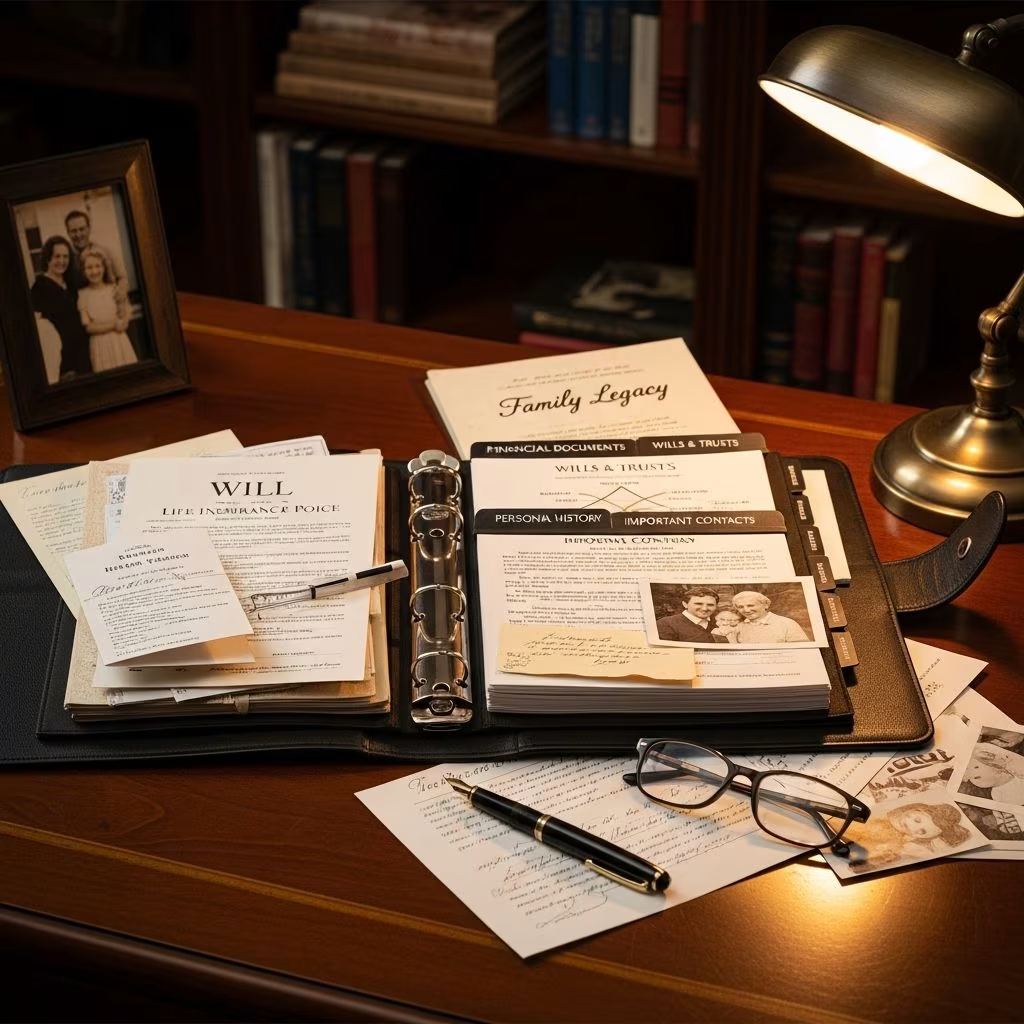
Why You Need a Legacy Binder
Planning for life’s uncertainties is one of the most thoughtful gifts you can give your loved ones. A legacy binder is a comprehensive collection of your most important documents and personal information organized in one accessible place. Rather than leaving your family to search frantically through files, drawers, and digital accounts during a time of crisis, a legacy binder provides clear direction and guidance when they need it most.
The primary purpose of a legacy binder is to assist your loved ones during emergencies, periods of incapacity, or after your death. Whether you’re facing an unexpected medical situation, a temporary disability, or planning ahead for the inevitable, a legacy binder ensures that critical information is readily available to those who need it. This simple organizational tool can mean the difference between a smooth transition and chaotic scrambling through paperwork and accounts.
Creating a legacy binder offers immediate and long-term benefits. It encourages proactive estate planning, provides protection similar to life insurance or disability insurance against low-probability but high-impact events, and significantly reduces confusion and stress for family members and executors. The goal is to minimize stress and potential conflicts between family members during already difficult times.
Physical or Digital: Choosing Your Format
Despite its name, a legacy binder doesn’t have to be a literal three-ring binder, though that’s certainly a valid option if you have a secure place to store it. The format you choose depends on your comfort level with technology and your family’s accessibility needs.
Physical Legacy Binder
If you prefer maintaining a hard copy of your documents, a traditional binder or expandable file folder with labeled tabs can work effectively. The key is organization—use dividers for each account or set of records to make it easier for your family to locate information quickly. You don’t need to invest in expensive supplies; simple organization with clear labels is sufficient.
Digital Legacy Binder
Many people today opt for digital storage, which offers significant advantages. By scanning documents and storing them in a secure cloud folder such as Google Drive, Dropbox, or OneDrive, you create a system that’s easier to update and share with family members who live far away. Most modern smartphones have built-in scanning tools or apps that make digitization simple and quick. Digital storage also protects your documents from physical damage or loss.
The Best Approach: Hybrid Storage
If you’re uncertain whether a hard copy or electronic legacy binder is better, remember that it never hurts to have both for maximum protection. Maintaining both a physical and digital version ensures redundancy and accessibility. The key is keeping both versions current and updated as your circumstances change.
Essential Documents and Information to Include
Your legacy binder should contain all important documents and information that your loved ones or designated representatives will need to manage your affairs during a medical emergency or after your death. Here’s a comprehensive breakdown of what every legacy binder should include:
Legal Documents
Begin with the foundational legal documents that establish your wishes and authorize others to act on your behalf:
- Last will and testament
- Living will or advance directive
- Medical power of attorney
- Financial power of attorney
Financial Information
Your family needs comprehensive access to your financial accounts and holdings:
- Bank account details and account numbers
- Investment portfolios and brokerage accounts
- Insurance policies (life, health, home, umbrella)
- Retirement accounts including pension, IRA, and 401(k) information
- Credit card accounts and reward points programs
- Employment benefits information
- Most recent tax returns
- Cryptocurrency account information
Property and Asset Documentation
Include all documentation related to physical assets:
- Property deeds
- Vehicle titles
- Mortgage documents
- Business ownership information including subscriptions and operating agreements
- List of personal effects of significant value
Medical Information
Medical accessibility is critical during emergencies:
- Complete health records
- Current prescription lists
- Insurance cards
- Physician contact information
Digital Assets and Accounts
In today’s connected world, digital asset management is essential:
- Passwords for important accounts (stored securely)
- Social media accounts and login information
- Email accounts and recovery information
- Cloud storage access details
- Online subscription services
- Frequent flyer accounts and travel loyalty programs
Personal Information and Instructions
Include personal details and specific wishes to guide your family:
- Contact list of important people
- Family tree information
- Personal letters or final messages
- Funeral or burial preferences
- Organ donation wishes
- Pet care instructions
- Childcare wishes
Storage and Accessibility Considerations
Creating a comprehensive legacy binder is only half the battle; ensuring that your family can actually access it when needed is equally important. Some people choose to keep their physical legacy binder with their attorney or estate planner, which provides professional safeguarding. If you use this approach, maintain a backup copy—either physical or digital—so your family knows where to find it when the time comes.
For a digital binder, a clearly labeled and secure cloud folder is ideal. Crucially, those who need access must know exactly where the binder is located and how to access it. This means providing clear instructions about passwords, folder locations, and login credentials. The last thing you want after spending time organizing everything is for the binder to be locked behind an unknown password or stashed in a location nobody can find.
Avoid making access dependent solely on information known only to you, such as lock combinations, keys in hidden locations, or biometric authentication that only you can enable. Your family should be able to access this information without requiring your physical presence or specialized knowledge.
Backing Up Your Information
If you opt for a physical legacy binder, creating a digital backup is strongly recommended. This protects your documents from physical damage, loss, or deterioration. A simple scan of key documents saved to a secure cloud folder like Google Drive, Dropbox, or OneDrive provides insurance that your documents will be available when needed most.
If you don’t own a dedicated scanner, don’t let that stop you. Most modern smartphones have built-in tools or apps that make scanning and uploading documents quick and straightforward. This digital backup ensures that even if your physical binder is damaged or lost, your family still has access to critical information.
Regular Review and Updates
Creating a legacy binder is not a one-time task. You should establish a regular review schedule to ensure all information remains current and accurate. Set up a calendar reminder or task to periodically review your binder and update outdated contact information, account numbers, passwords, or legal documents.
At minimum, review your legacy binder annually. However, you should also update it after any major life event, including:
- Marriage or divorce
- Birth of children or grandchildren
- Death of a loved one
- Opening of new financial accounts
- Purchase of significant assets
- Changes in employment or benefits
- Acquisition of cryptocurrency or digital assets
During each review, add notes about any new assets or liabilities. Check expiration dates on identification documents, insurance policies, and powers of attorney. Update passwords and account information as they change. This maintenance ensures your legacy binder remains a truly useful resource.
Getting Started with Templates and Tools
If you’re unsure how to organize your information or don’t know where to begin, numerous legacy binder templates are available online to guide your process. These templates provide structured frameworks that ensure you don’t overlook important categories. They can save significant time and help you think through what information actually needs to be included.
Whether you’re working from a template or creating your own system, the most important step is simply beginning. Don’t let perfectionism delay action. A well-organized binder with most of your important information is infinitely better than scattered papers and forgotten accounts.
Frequently Asked Questions
Q: Is a legacy binder only for older people?
A: No. Legacy binders are useful for people of any age. Unexpected emergencies, accidents, or medical situations can happen to anyone, regardless of age. Having this information organized provides protection for you and your family at any stage of life.
Q: What’s the difference between a legacy binder and a legacy drawer?
A: A legacy binder typically refers to organized documents in a three-ring binder or expandable folder, while a legacy drawer is a designated physical space in furniture containing important documents. Both serve the same purpose—organizing crucial information for your family—the only difference is the storage method.
Q: Should I keep my legacy binder in a safe deposit box?
A: While safe deposit boxes offer security, they can create access problems for your family after your death, as they may require legal procedures to open. Consider keeping your binder in a secure home location or with an attorney instead, where family can access it more easily.
Q: How often should I update my passwords in my legacy binder?
A: Update passwords whenever you change them, which security experts typically recommend doing every three to six months for sensitive accounts. At minimum, review all passwords during your annual legacy binder review.
Q: Can I use a shared cloud folder for my digital legacy binder?
A: Yes, shared cloud folders like Google Drive or OneDrive work well for digital legacy binders. However, ensure the sharing settings grant your family access even if you’re unavailable. Make sure they know the folder location and access credentials.
Q: What should I do if I have sensitive documents I’m uncomfortable sharing?
A: You have options. You can provide sealed instructions to your executor or attorney explaining where to find particularly sensitive information, or use password protection for specific digital files. The goal is balancing privacy with ensuring your family has what they need when they need it.
References
- Legacy Binder — Your Guide to Organizing Estate Documents — White Coat Investor. https://www.whitecoatinvestor.com/legacy-binder/
- You Need a Legacy Binder of Your Important Documents — Money.com. https://money.com/how-to-create-a-legacy-binder/
- The Indispensable Binder for Organizing Emergency Documents — Getting Your Affairs in Order. https://www.gettingyouraffairsinorder.ca/indispensable-binder-for-organizing-emergency-documents/
This article is general information, not personal financial advice. Consider your own situation, or speak with a licensed adviser, before acting on it.


