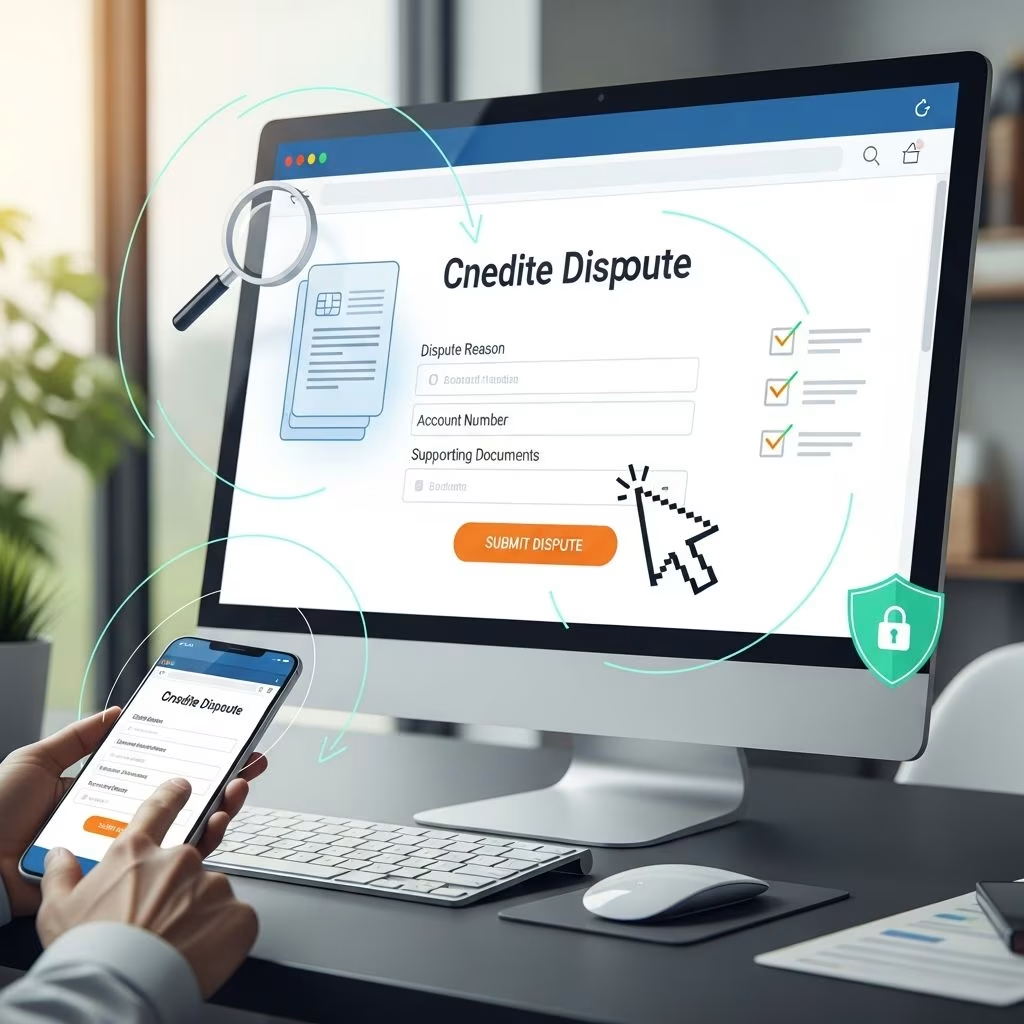
Submitting a credit dispute online initiates a structured investigation to verify and potentially correct inaccuracies on your credit report. Credit bureaus like Experian, Equifax, and TransUnion must complete this within 30 days under the Fair Credit Reporting Act (FCRA).
Why Disputes Matter for Your Financial Health
Inaccurate information on credit reports can lower scores, affect loan approvals, and increase borrowing costs. Common errors include wrong personal details, outdated accounts, or incorrect payment statuses. Disputing online offers convenience, allowing quick submission with supporting documents directly from your device.
Regularly reviewing reports via AnnualCreditReport.com helps spot issues early. Free weekly access ensures proactive monitoring without cost.
Preparing Your Online Dispute Submission
Before filing, pull your reports from all three major bureaus to identify errors across files. Note specific items: account numbers, dates, and discrepancies.
- Gather evidence: Collect bank statements, payment receipts, or identity proofs. Never send originals; use copies.
- Detail the issue: Specify what’s wrong, e.g., “Account #123 listed as 90 days late on 01/2025, but paid on time per statement.”
- Choose portals: Use official sites like Experian.com/dispute, Equifax myEquifax, or TransUnion dispute center.
Online forms guide you, auto-populating data if logged in, streamlining the process.
Step-by-Step: Launching Your Online Dispute
- Access the portal: Log in or create an account on the bureau’s site.
- Select items: Highlight disputed accounts or info on your report view.
- Explain and upload: Type reasons, attach PDFs of docs (up to 10MB usually).
- Submit: Receive confirmation number immediately for tracking.
Dispute with each bureau showing the error, as they maintain separate reports.
Behind the Scenes: The Investigation Kicks Off
Upon submission, the bureau reviews your info. If clear and supported, they forward to the furnisher (e.g., bank or lender) with your evidence. Furnishers verify within the 30-day window.
| Party | Role | Timeline |
|---|---|---|
| Credit Bureau | Receives dispute, notifies furnisher, reviews response | 30 days max |
| Furnisher | Investigates internally, responds with verification or corrections | Within bureau’s 30 days |
| You | Monitor status online, add info if requested | Track via portal |
Bureaus may resolve simple disputes internally using your docs alone.
Tracking Progress During Investigation
Portals provide real-time status: received, under review, furnisher notified, results pending. Expect email/SMS updates. If more info needed, bureaus contact you—respond promptly to avoid delays.
Status meanings:
- Pending: Initial review.
- In Progress: Furnisher investigating.
- Complete: Results ready for download.
Possible Outcomes and Next Steps
Results arrive via secure message or mail within 5 days of completion. Outcomes include:
- Verified accurate: Info stays; option to add 100-word statement explaining your view.
- Corrected/Deleted: Updates reflect truth; free updated report offered.
- Frivolous: Rare; bureau notifies why within 5 days.
If changed, bureaus notify recent report users (6 months general, 2 years employment) upon request.
Disputing Directly with Data Furnishers
Parallel to bureau disputes, contact furnishers via certified mail or their portal. Include name, account, error explanation, circled report excerpt, and docs.
Furnishers investigate in 30 days:
- Correct and notify all bureaus if error found.
- Inform bureaus of ongoing disputes if accurate.
This dual approach strengthens cases.
Common Pitfalls and How to Avoid Them
Avoid vague disputes lacking specifics or proof—bureaus dismiss them as frivolous. Don’t dispute verifiable facts; focus on true errors like:
- Misreported late payments.
- Fraudulent accounts.
- Outdated negatives (7 years max).
Track deadlines; refile if needed after 30 days.
Escalating Unresolved Disputes
If unsatisfied, add a statement to your report, file CFPB complaint, or consult attorney. CFPB forwards to company for response.
Impact on Your Credit Score
Disputes don’t harm scores. During investigation, some lenders see “dispute noted.” Post-resolution, corrections can boost scores immediately if negatives removed.
FAQs
How long does an online credit dispute take?
Up to 30 days, often faster for simple cases.
Can I dispute by phone or mail too?
Yes, but online is quickest with upload features.
What if the furnisher doesn’t respond?
Bureaus may delete unverified info after 30 days.
Is a free report given after changes?
Yes, separate from annual freebies.
Can I dispute multiple items at once?
Absolutely; list each separately with evidence.
Tools and Resources for Success
Leverage free tools: AnnualCreditReport.com for reports, CFPB sample letters. Apps track disputes across bureaus.
Pro tip: Set calendar reminders for follow-ups. Consistent vigilance maintains accuracy.
References
- Filing a dispute – Annual Credit Report.com — AnnualCreditReport.com. Accessed 2026. https://www.annualcreditreport.com/filingADispute.action
- Disputing Errors on Your Credit Reports — Federal Trade Commission (FTC). Accessed 2026. https://consumer.ftc.gov/articles/disputing-errors-your-credit-reports
- How to Dispute a Credit Report Error — Consumer Financial Protection Bureau (CFPB). 2021-08. https://www.consumerfinance.gov/ask-cfpb/how-do-i-dispute-an-error-on-my-credit-report-en-314/
- How do I dispute an error on my credit report? — CFPB. Accessed 2026. https://www.consumerfinance.gov/ask-cfpb/how-do-i-dispute-an-error-on-my-credit-report-en-314/
- Disputing Errors on Your Credit Reports Handout — CFPB. 2021-08-26. https://files.consumerfinance.gov/f/documents/cfpb_dispute-errors-credit-reports_handout_2021-08.pdf
- File a Dispute on Your Equifax Credit Report — Equifax. Accessed 2026. https://www.equifax.com/personal/credit-report-services/credit-dispute/
This article is general information, not personal financial advice. Consider your own situation, or speak with a licensed adviser, before acting on it.